WINDOWS LIVE CAPTIONS / WHO NEEDS THE WORDS?
Windows Live Captions helps you read audio. It does not send captions to friends.
Choose between reading speech on your PC and helping someone else follow a conversation.
Source check: November 27, 2026 | By David Bennett
Read the decision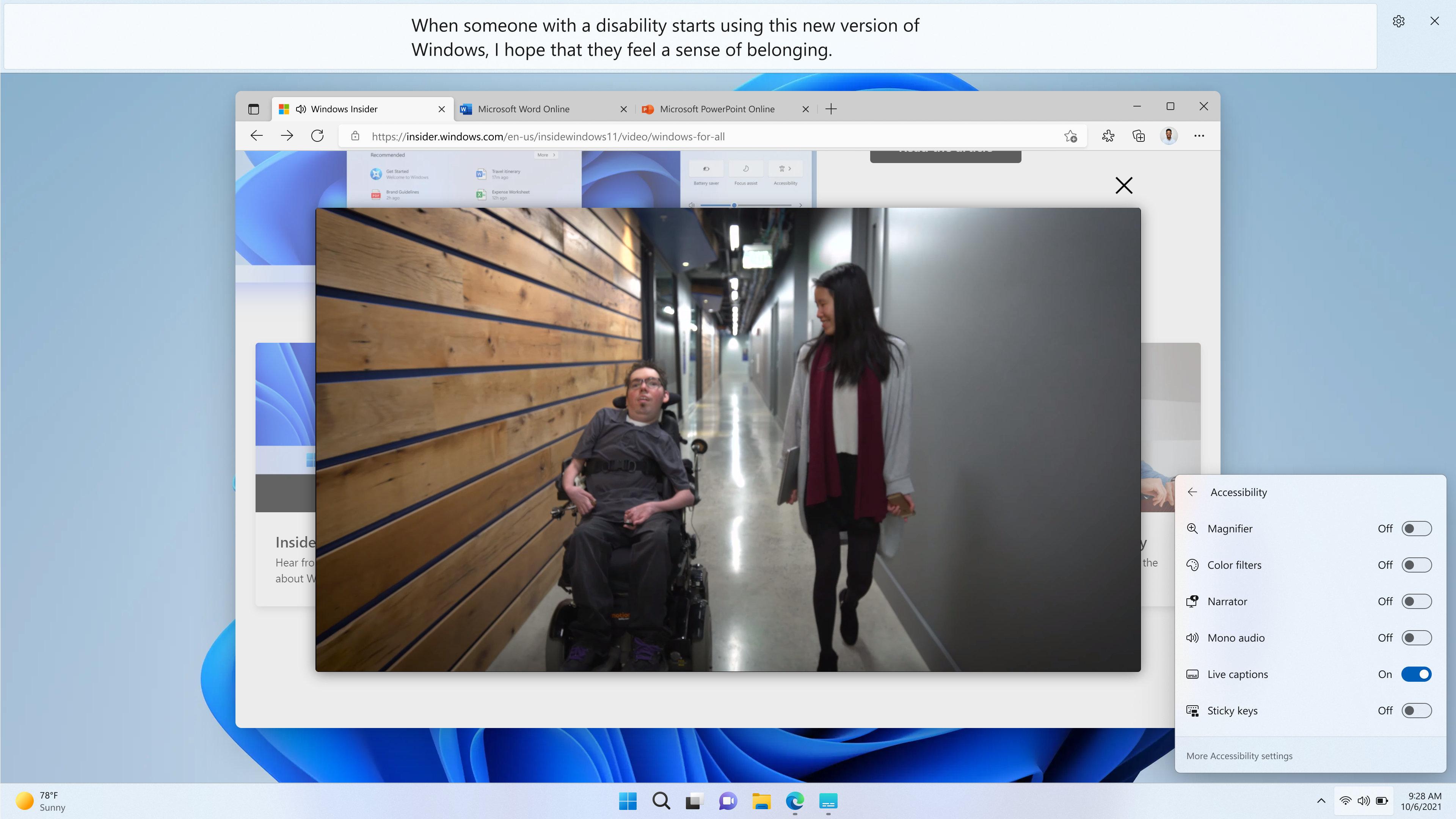
Microsoft illustrative Live Captions screen; not our PC, game or call. Screens simulated.
Credit: Microsoft. Official source
Windows Live Captions is for reading speech locally, not sending friends a caption feed. Including microphone audio does not change that purpose. Decide whose screen needs the words before changing settings.
Start with the person who needs captions
If you want to read another player's speech on your PC, local captions address that viewing task. If a friend needs to read you, a caption window on your desktop is not evidence that anything reached their screen. Ask which app or device they are using and whether it offers captions for that participant.
Microsoft Teams for personal use illustrates the distinction: its own caption controls show words to the person who enables them, while Microsoft Speech Services processes the call audio. That is a separate app feature, not Windows forwarding its caption window. Do not transfer Teams instructions to Discord, a console party or another service without checking that service's documentation.
Screen sharing is a separate choice: ask what the selected sharing mode includes rather than assuming that 'processed locally' means nothing visible can be shared. We have not verified that behavior for a specific app.
Credit: Microsoft. Official source
View full-size image
Check transcription and translation separately
Windows Live Captions is available in Windows 11 version 22H2 and later. Translation requires a Copilot+ PC running Windows 11 version 24H2 or later.
Check your actual PC and Windows version. Opening captions with Windows key + Ctrl + L does not establish translation eligibility.
Separate output audio from microphone input
Windows Live Captions follows the default sound output device. If headset audio is missing from the captions, Microsoft says to review that default output choice.
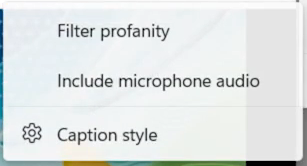
Microphone inclusion is optional and off at startup. Device sound takes priority when it overlaps microphone speech. Your own words being absent while another person speaks does not establish a chat-microphone failure or delivery of text to anyone else.
Credit: Microsoft. Official source
View full-size image
Resolve first-run setup before planning offline use
A first-run language-file download error is a setup problem to identify, not proof that captioning always needs a cloud connection. Microsoft's troubleshooting page says the error can mean that the Microsoft Store app catalog is unavailable. It asks users to check connectivity and whether Store apps can be downloaded.
For an organization-managed computer that cannot access the Store, ask the administrator about the documented deployment route. This article does not prescribe package installation, policy changes or a bypass. Keep the exact error and the PC's language and system type with the support request. Repeatedly toggling the microphone is a different action from resolving a missing language package.
Make the words usable on your own screen
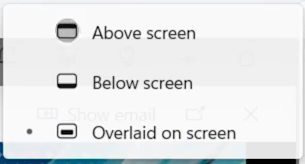
Microsoft's caption-customization guidance separates where the window appears from how its text looks. Caption styles can change text, background and window appearance. A readable result is personal: choose a size and contrast you can follow, then consider where the window belongs alongside the activity you are using.
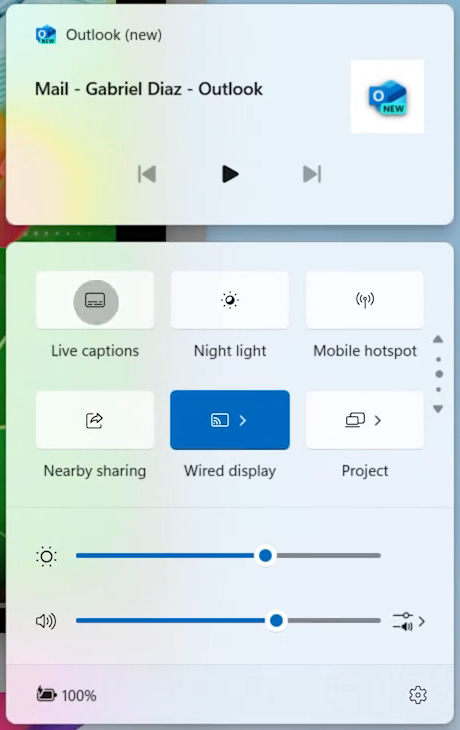
That is a viewing decision, not a guarantee about every game's fullscreen behavior. Keep important game information visible rather than assuming an overlay can cover it safely. The pictured controls are cropped Microsoft prerelease-demo frames, not captures of a current retail setup we operated. Current support documentation, rather than the video's appearance, establishes the version requirements.
Credit: Microsoft. Official source
View full-size image
Define success without promising a shared transcript
Microsoft's privacy statement says captioned voice data is processed on the device and is not shared with Microsoft or the cloud. That description concerns Windows Live Captions; it is not a privacy promise for the separate app carrying your conversation.
Success for your own reading means relevant speech appearing where you can read it. For a friend, agree on a caption option available to them and confirm the experience together. We have not performed either check or measured accuracy, delay or game compatibility.
The decision
Read speech locally with Windows captions. Treat a friend's needs separately. Check eligibility, the audio path and setup errors before expecting translation or making more changes.
Method and limits
Documentation-based decision guide checked November 27, 2026 against Microsoft Windows, privacy and Teams support. Publisher imagery illustrates controls; no feature execution, game session or call was tested.
No accuracy, latency, universal fullscreen support or outgoing-caption delivery claim. Translation eligibility is narrower than transcription. The video contains prerelease example screens; its appearance does not establish current retail rollout.
Sources
Further reading
FINAL FANTASY RESONANCE / PARTY BUILDING What stays when you switch a Vision?
David Bennett · · 3 minGuide Your next handheld starts with three games.
David Bennett · · 6 minGaming audio • Research-led buying guide Five Gaming Headsets Compared
David Bennett · · 16 min