KEYBOARD INPUT / GAME RULES
Rapid Trigger and Snap Tap do different jobs
One changes a key’s reset behavior. The other prioritizes a paired input. Your game’s rules still decide what you can use.
Source check: November 21, 2026 | By David Bennett
Read the decision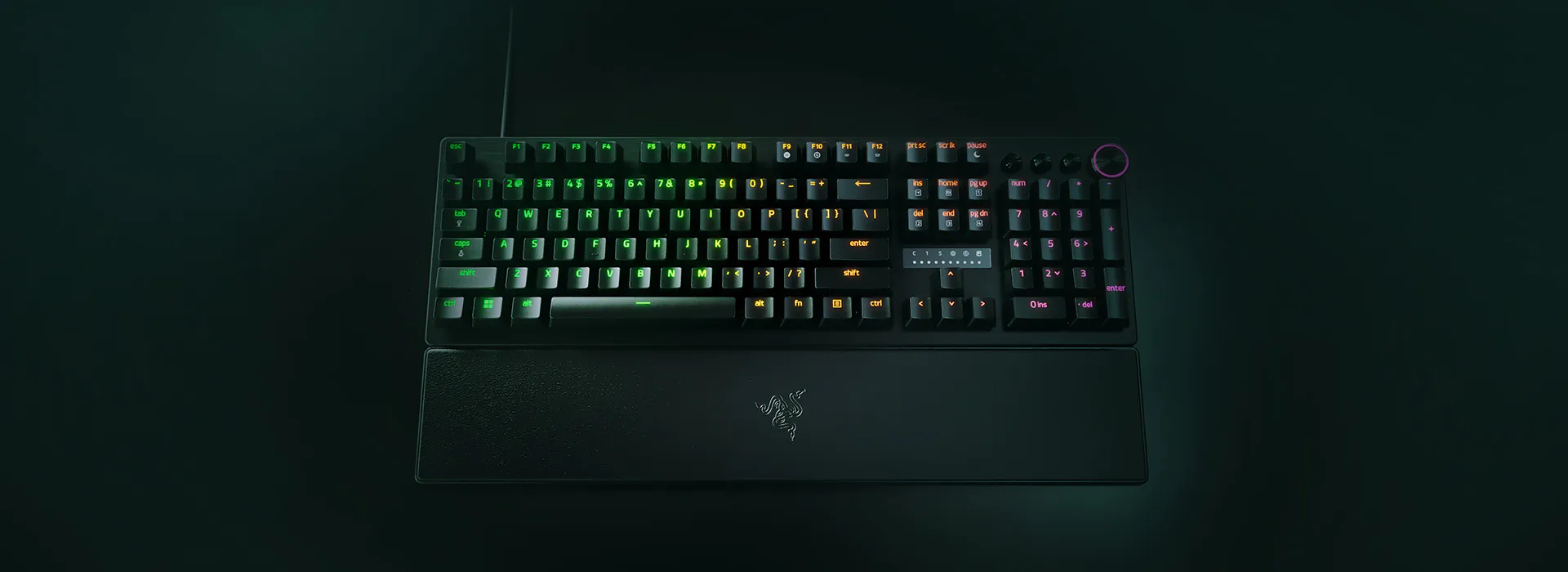
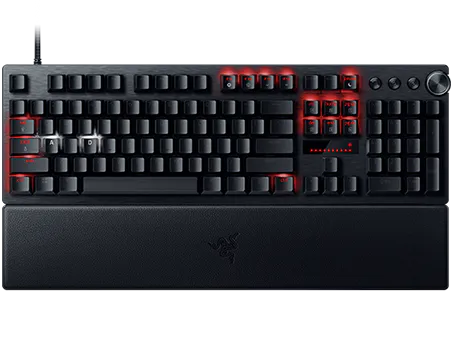
Official Razer product imagery. Hardware appearance does not establish which input features are active or permitted.
Credit: Razer. Official source
Rapid Trigger changes how a compatible key resets. Snap Tap prioritizes the latest of two selected inputs. They are separate features: disabling one does not establish the state of the other. For Counter-Strike 2, Valve specifically tells players to disable input automation such as Snap Tap before joining a match.
Rapid Trigger changes when one key resets
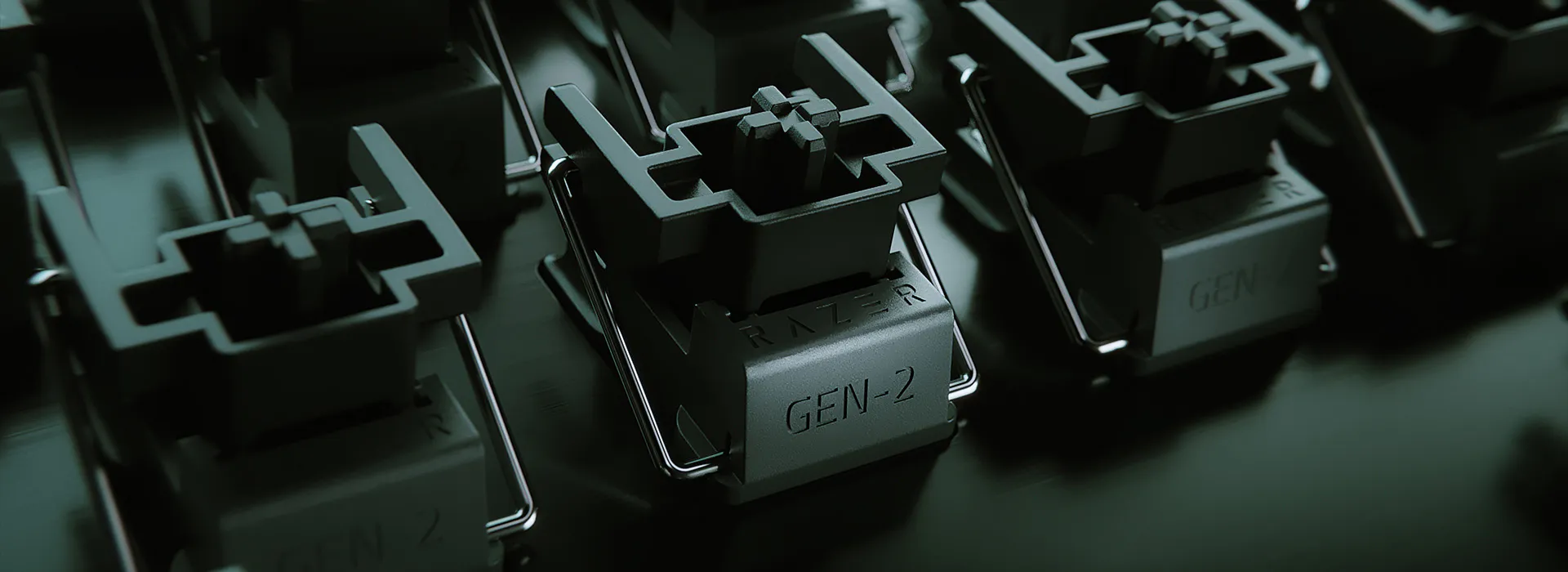
Rapid Trigger concerns a key’s press-and-release behavior. Razer describes a reset point that responds to upward movement rather than requiring the switch to pass a fixed reset position. Adjustable actuation answers a related but separate question: how far the key travels before its press registers. Neither description, by itself, says a second direction key will cancel the first.
Imagine lifting your finger slightly between repeated presses of one key. That is the kind of motion a reset setting addresses. It is a different problem from holding two opposite directions together. This guide explains that distinction; it does not measure latency, stopping distance or accuracy, and it does not recommend a sensitivity number for your hands.
Credit: Razer. Official source
Snap Tap chooses between two selected inputs
Razer describes Snap Tap as giving priority to the most recent input between two selected keys, without requiring release of the previous key. For example, while one direction remains held, pressing its paired opposite can change which input is sent. The decision happens between the pair, rather than simply changing where either switch resets.
SOCD is shorthand for simultaneous opposing cardinal directions. It describes an input conflict, not a universal promise that every manufacturer resolves it identically. Check the actual behavior named in your device documentation. A feature marketed alongside Rapid Trigger can still have a different purpose and a different policy consequence; sharing a settings page does not make the features interchangeable.
Apply Valve’s restriction to automation, not the keyboard name
Valve’s August 19, 2024 announcement tells players to disable input-automation features such as Snap Tap before joining a match. The accompanying notes describe detection of certain automated movement or shooting inputs on official servers, with a kick from the match. Valve also restricted binds combining specified movement or attack actions.
A September 9 follow-up added counter-strafe automation detection options for non-Valve servers. Do not turn the original official-server wording into a claim that community servers or tournaments permit the feature. Conversely, these sources do not establish that owning a compatible keyboard causes a permanent account ban. Follow the current game and organizer rules; a manufacturer’s promotional compatibility example cannot grant permission.
Credit: Razer. Official source
Identify the device and the active configuration first
Before changing settings, note the exact keyboard model, firmware, configuration app and selected profile. Razer’s current Snap Tap support points to Synapse 4 and distinguishes firmware-backed Huntsman V3 Pro behavior from other supported devices. Check the device-specific controls rather than copying a shortcut from a different board.
Keep Rapid Trigger, actuation distance and paired-input priority as separate entries in your reference notes. Razer’s Rapid Trigger guidance also warns that quick adjustments do not permanently overwrite Synapse profiles. If an unexpected setup returns when a profile is recalled, inspect that profile instead of assuming the last hardware adjustment replaced every stored configuration.
Use a documented off control before a restricted game
For a game that prohibits Snap Tap, use the supported control to leave Snap Tap disabled and verify the selected device and profile show that state. Razer documents an enable/disable control in Synapse 4, with an additional model-specific hardware toggle on the Huntsman V3 Pro line. An enable/disable shortcut is a toggle, so pressing it blindly is not proof the feature is off.
Do not rely on closing the configuration app as a universal reset. Razer distinguishes onboard behavior from features that require Synapse running. Default-off is a starting condition, not evidence about your previously edited profile. Avoid a factory reset or deleting profiles just to answer this question; preserve your existing settings and change only the relevant option.
Credit: Razer. Official source
Make the decision before entering a live match
Your pre-match check has three parts: identify the behavior, read the applicable rules, and inspect the active configuration. The useful success state is a documented setting that matches those rules. A lighting pattern, a short match without a kick, or another player’s experience does not certify compliance. This desk has not executed a keyboard setup or anti-cheat test.
If controls are missing or behavior remains uncertain, stop before competitive play and consult the model’s current manual or support. For unrelated typing or sensitivity changes, restore the recorded previous setting or profile only when doing so does not re-enable prohibited automation. Recheck game-specific profiles when changing applications. This is preparation guidance, not a way to probe detection thresholds or bypass enforcement.
Your next decision
Identify the feature by what it does, then check the game rules and the active profile. Treat hardware capability, configuration state and permission as three separate questions.
Sources and reporting limits
Source-based decision guide checked November 21, 2026 against Razer documentation and Valve announcements. No keyboard, configuration change, match, latency result or enforcement behavior was tested. Original manufacturer images were inspected and preserved.
Canonical Razer support requests returned a validation page; actual indexed primary-support bodies were read and preserved as labeled extracts. The latest 100 official CS2 announcements were checked for input-automation updates; that bounded check is not a complete historical policy audit or tournament ruling. Manufacturer performance claims are not adopted as measured results.
- Razer Huntsman V3 Pro: reset and actuation definitions
- Razer Snap Tap: latest-input priority
- Valve: Side-stepping Skill, August 19, 2024
- Valve: August 19, 2024 release notes
- Valve: September 9, 2024 non-Valve-server detection options
- Razer support: Snap Tap controls and onboard behavior
- Razer support: Rapid Trigger and profile limits
- Razer: Snap Tap expansion and default-off behavior
Sources checked November 21, 2026.
Further reading
FINAL FANTASY RESONANCE / PARTY BUILDING What stays when you switch a Vision?
David Bennett · · 3 minGuide Your next handheld starts with three games.
David Bennett · · 6 minGaming audio • Research-led buying guide Five Gaming Headsets Compared
David Bennett · · 16 min