XBOX / CONTROLLER POWER
Xbox controller charging: choose the battery before the cable
The standard Wireless Controller and Elite Series 2 use different battery arrangements. Identify yours before buying a charging accessory.
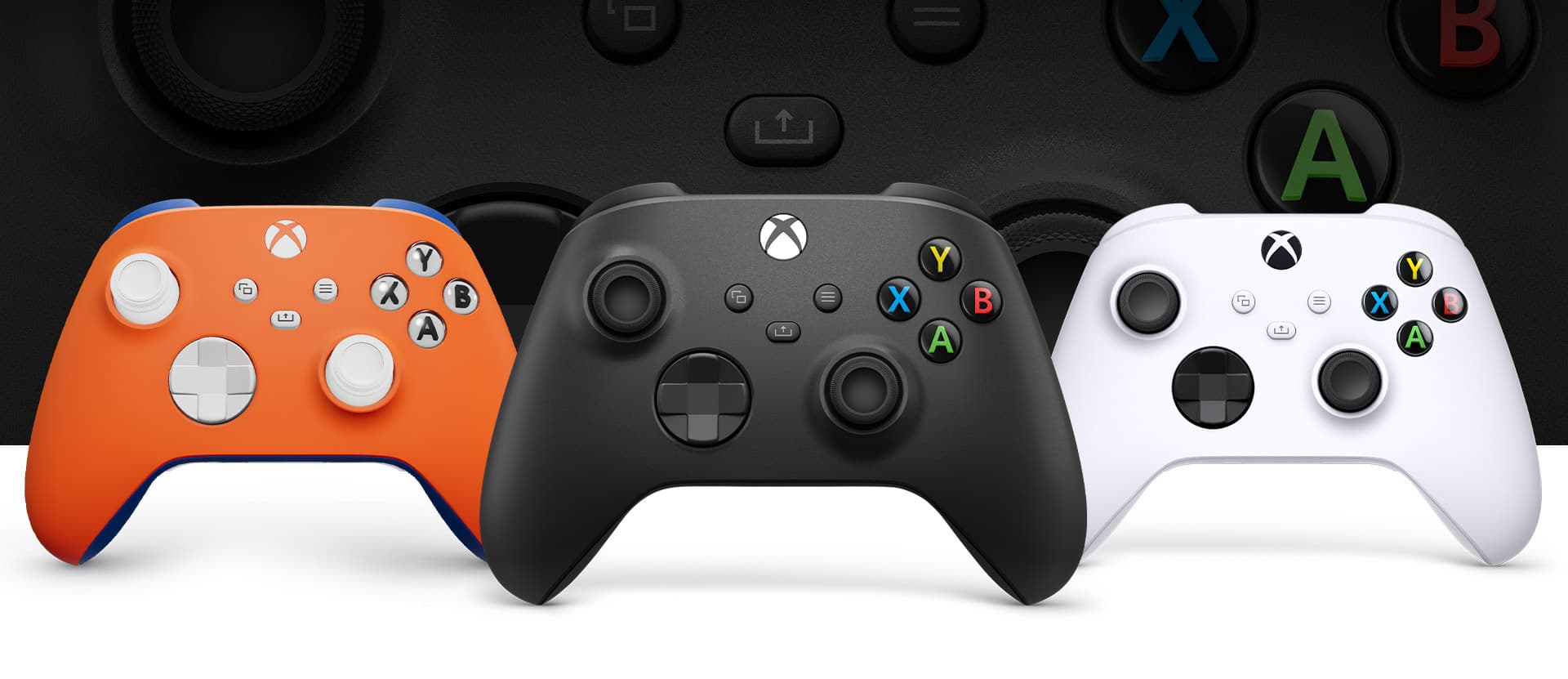
The standard Xbox Wireless Controller lists AA battery power; Microsoft also sells a compatible rechargeable pack for Xbox Wireless Controllers with a USB-C port. Elite Series 2 has an internal rechargeable battery. Those are different power arrangements, so a USB-C connector alone is not enough information to choose a replacement battery or charging kit.
Xbox Wireless Controller specifications · Xbox Rechargeable Battery + USB-C Cable specifications · Elite Wireless Controller Series 2 specifications and package contents
Read the controller name before the accessory name
Start with the exact controller family, not the console beside it. Microsoft’s standard Xbox Wireless Controller specification lists AA batteries, while its Elite Wireless Controller Series 2 specification lists an internal rechargeable battery. An accessory described casually as an Xbox charger may be intended for one arrangement and not the other.
For a household with mixed controllers, write down the model for each one before buying a multipack. A charging product that suits one controller is not evidence that it suits the whole drawer. This is particularly useful when replacing a cable or buying a gift without the controller in front of you.
Xbox Wireless Controller specifications · Elite Wireless Controller Series 2 specifications and package contents
Manufacturer photographs and specifications remain available if the interactive view cannot load.

What the official rechargeable pack actually promises
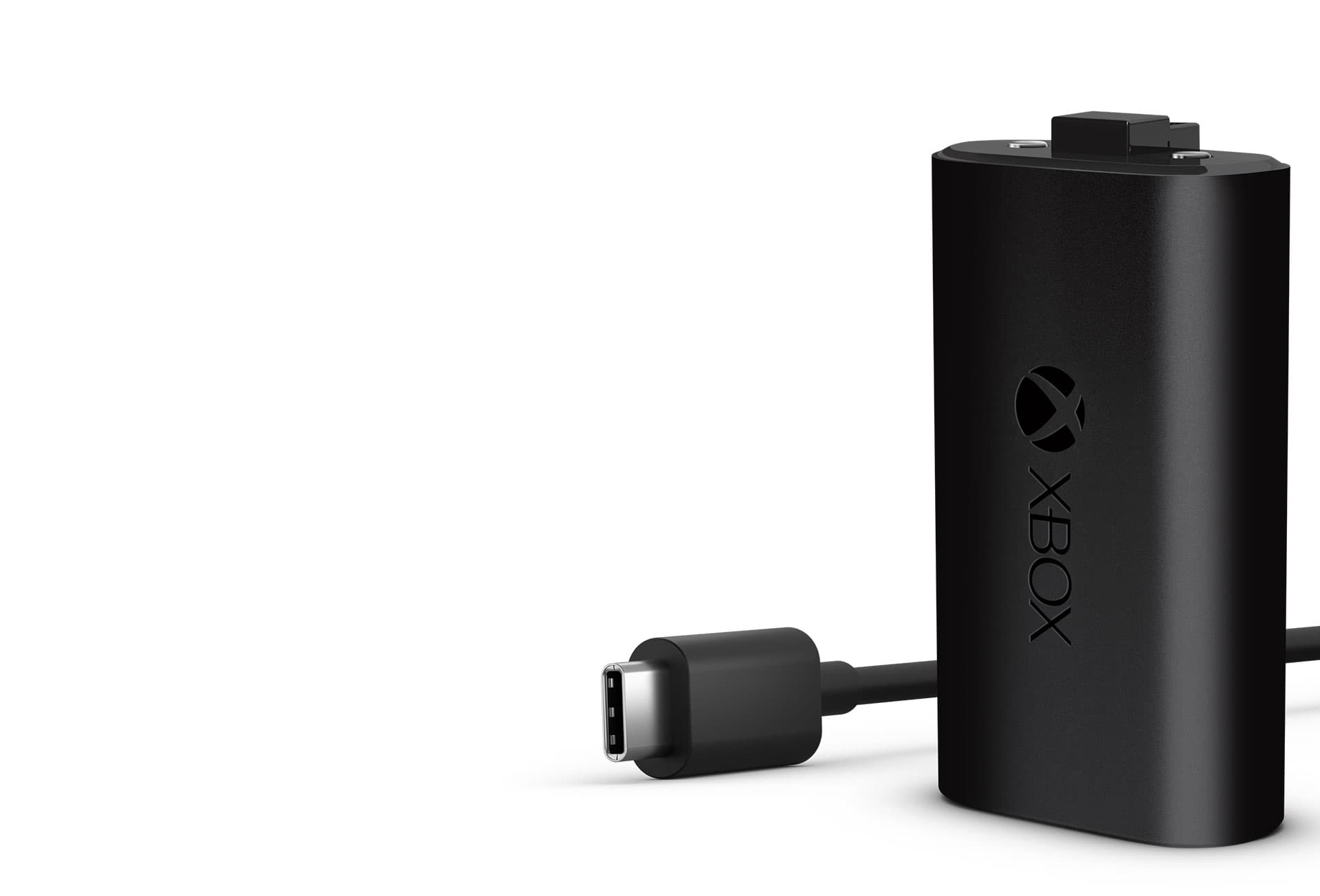
Microsoft’s Xbox Rechargeable Battery + USB-C Cable is a battery-and-cable product. Its compatibility statement names Xbox Wireless Controllers with a USB-C port, and the product page says it can recharge while playing or afterwards. Match the exact accessory to that statement rather than assuming any battery-shaped insert will work the same way.
A cable-only listing and a battery-plus-cable listing solve different shopping questions. Check the package contents. Microsoft states that rechargeable AA batteries do not charge inside the controller. Follow the battery manufacturer’s recommended charging method; plugging in a USB cable does not turn those AA cells into the official rechargeable pack. This guide does not certify an arbitrary AA charger, battery chemistry or third-party pack.
Xbox Rechargeable Battery + USB-C Cable specifications · Xbox Support: using batteries in your Xbox Wireless Controller
Elite Series 2 is a separate decision
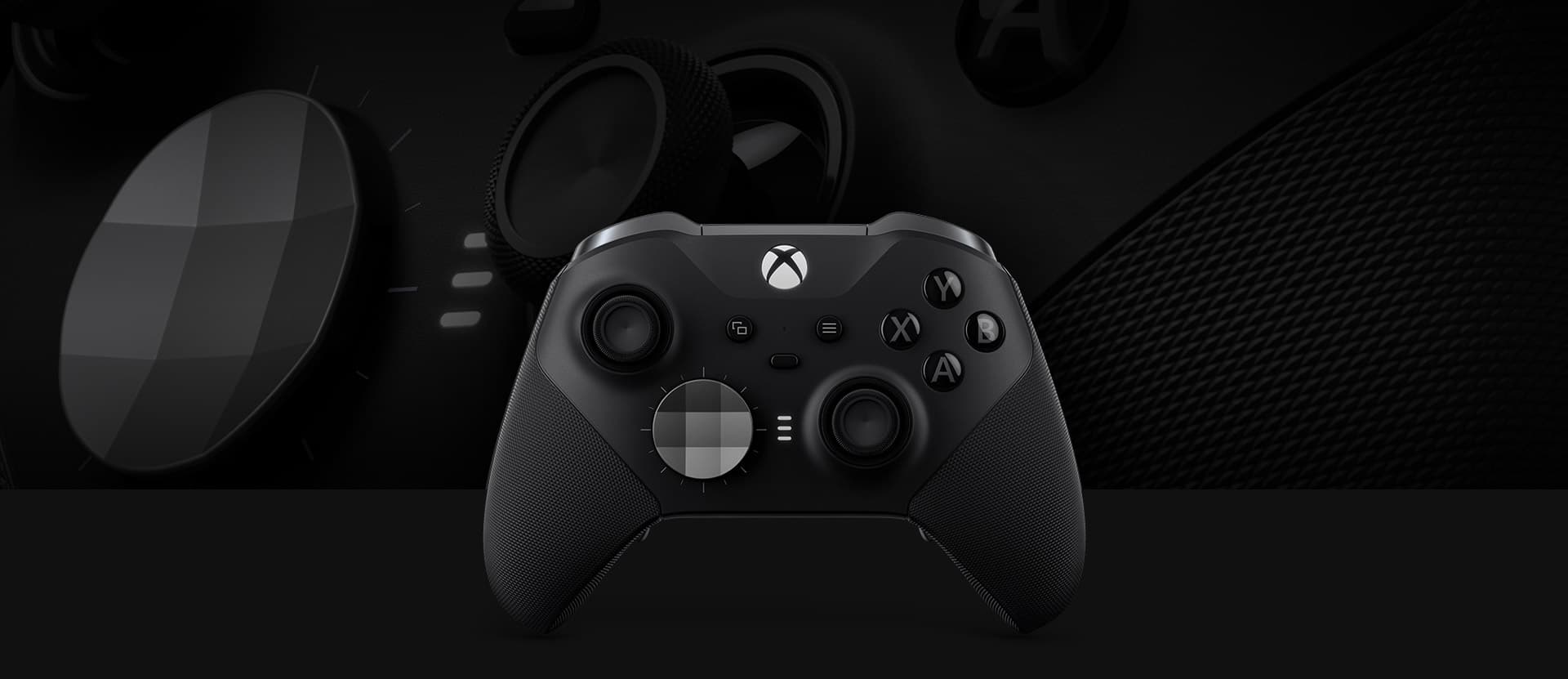
The Elite Series 2 family uses an internal rechargeable battery. Microsoft’s page also separates the full Series 2 package from the Core package, including differences in the accessories supplied. Do not infer that a dock shown beside one package is included with every version.
For an Elite owner replacing a missing accessory, the practical task is to match the charging accessory and package contents to that model. Buying the standard controller’s removable battery pack is not the same purchase. This is an accessory-fit distinction, not a claim that one controller’s battery lasts longer in your games.
Elite Wireless Controller Series 2 specifications and package contents
Treat battery-life claims as specifications
Manufacturer endurance figures come with usage conditions. Microsoft notes that headsets, accessories and other usage factors can change battery life. Those figures are useful for understanding what is advertised, but they are not our measurements or a guarantee for a particular evening of play.
We have not run a controlled charge or endurance test, so there is no winner or cost-per-hour calculation here. Choose the arrangement that fits the controller you own and the way you intend to replenish it; compare current prices only after the compatibility question is settled.
Xbox Wireless Controller specifications · Xbox Rechargeable Battery + USB-C Cable specifications · Elite Wireless Controller Series 2 specifications and package contents
Finish with a specific shopping note
A useful note says the exact controller model, the battery arrangement already inside it, and whether you need a cable, an approved rechargeable pack or a model-compatible dock. Add the precise accessory name and confirm what is included in the box.
If a controller fails to charge or loses power, use Xbox Support for the exact model rather than treating this buying guide as a repair diagnosis. It contains no battery-opening procedure, electrical modification or third-party charging workaround.
Match the controller, then the battery arrangement, then the charging accessory. The USB-C shape is a connection detail, not a complete compatibility label.
Source-based accessory decision guide, checked November 2, 2026. No charging, endurance or third-party compatibility testing performed. Recheck if Microsoft changes controller revisions, accessory compatibility or package contents.