STEAM / PLAY TOGETHER
Steam Remote Play Together: one host, one game, a shared session
A supported local multiplayer game can travel over the internet. Decide who hosts and what each guest controls before buying another copy.
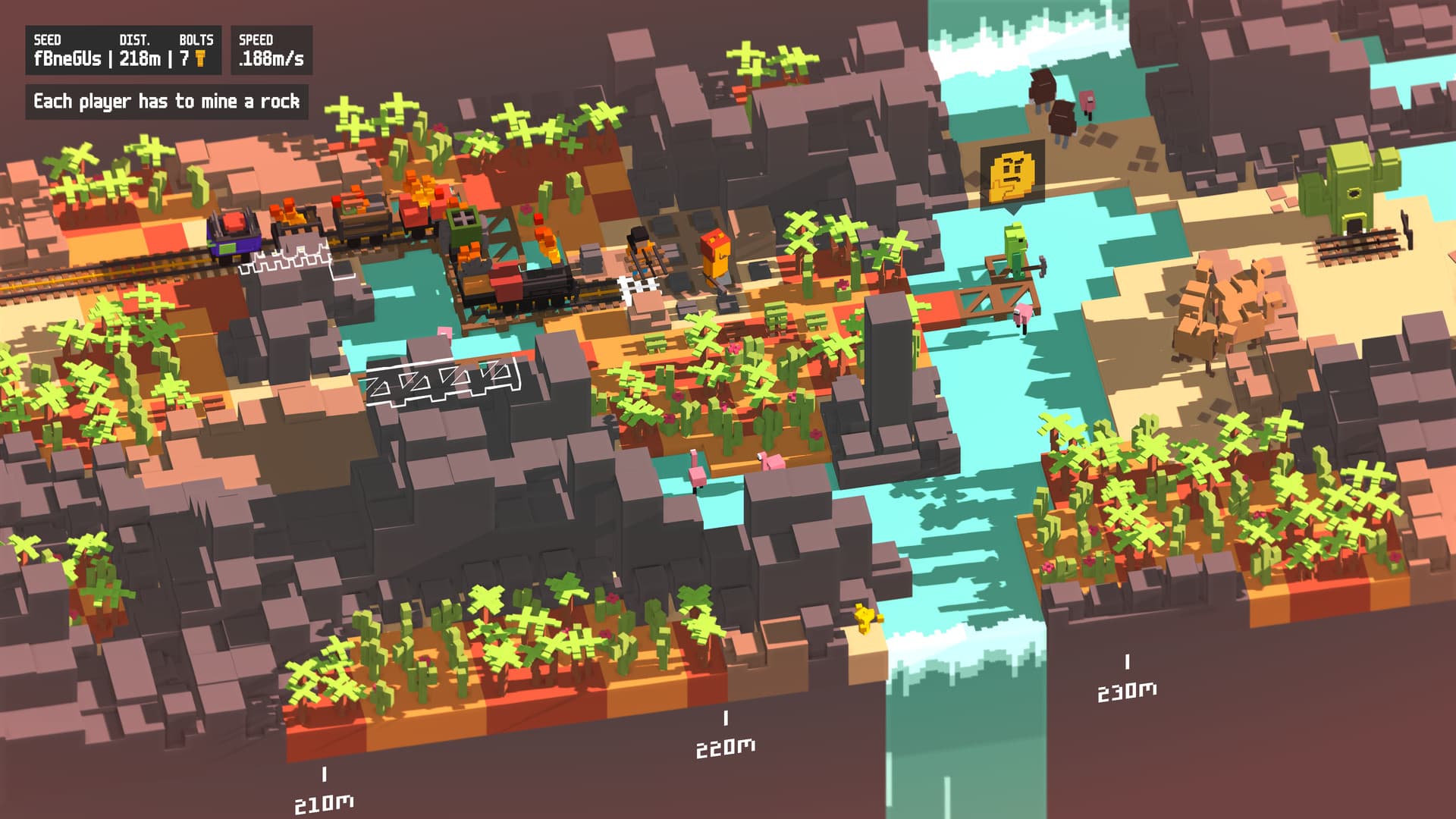
For a supported Remote Play Together game, one player owns and runs the game while friends join the streamed session. Guests are joining that host’s local multiplayer game, not receiving their own independent copy. Check the game’s Remote Play Together support and plan the host, devices and controls before treating it as an alternative to native online multiplayer.
Valve: Steam Remote Play feature overview · Valve: Steam Remote Play support
Start with the exact game’s support
Valve tells players to look for Remote Play Together in a game’s Steam store details. Local multiplayer and native online multiplayer are different features; do not assume the word multiplayer alone establishes this particular streaming option.
Unrailed! is a concrete example: its current Steam listing includes Remote Play Together, and Valve uses it in a feature demonstration. That supports using it to explain the session model. It does not establish that every co-op game in your library has the same controls or player limits. Check the listing for the exact game your group wants to play.
Valve: Steam Remote Play support · Unrailed! official Steam listing
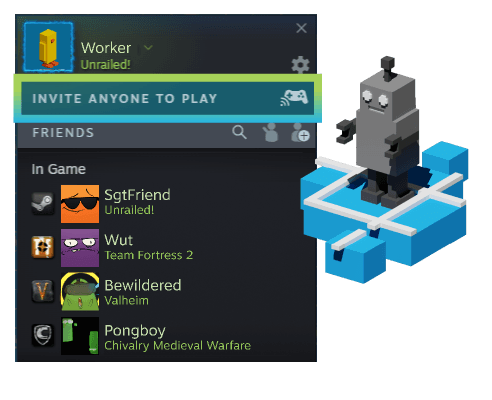
Choose the host around the whole session
The host runs the game. Valve describes the video and audio being sent to the other players and their input returning to the host computer. That means the host computer and connection remain part of everyone’s session.
Imagine one friend owns the game but needs to leave halfway through the evening. Agree on that before treating the invitation as the group’s long-term plan. Remote Play Together is useful for sharing a session; it should not be mistaken for giving each friend an independent installation they can continue whenever they want.
Valve: Steam Remote Play feature overview · Valve: Steam Remote Play support
Separate player controls from extra purchases
Valve’s feature page describes players using their own controllers, with optional shared keyboard and mouse access. The host can manage that access during play. Decide who is controlling which player, and whether the game’s local controls fit the devices people actually have.
A guest joining on a phone and a guest joining on another PC present different input questions. Check the appropriate Steam Link or client instructions and the game’s supported controls. This guide does not promise that a touch layout, a particular controller or one shared keyboard will suit every game.
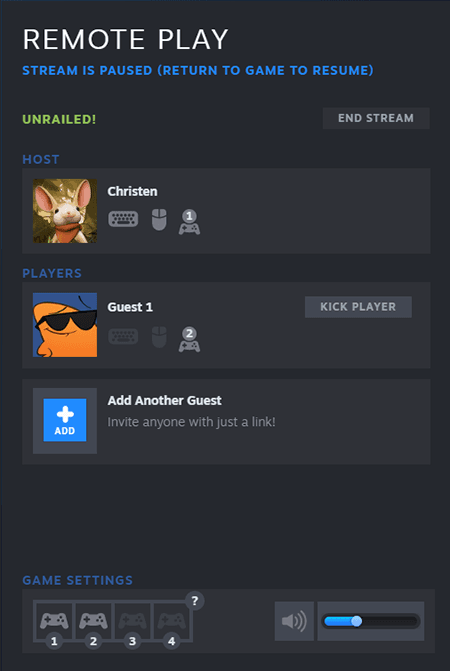
Together is not Anywhere
Remote Play Anywhere describes streaming your PC’s games to another device. Together is the local multiplayer session shared with other people. The names sit within the same Remote Play family but answer different questions: where you play your own game, or how the group joins one host.
That distinction helps before troubleshooting. If the goal is to continue a solo game on another screen, read the Anywhere instructions. If the goal is a couch-style game night across separate homes, check Together support. Neither name alone certifies a particular network’s quality.
Valve: Steam Remote Play feature overview · Valve: Steam Remote Play support
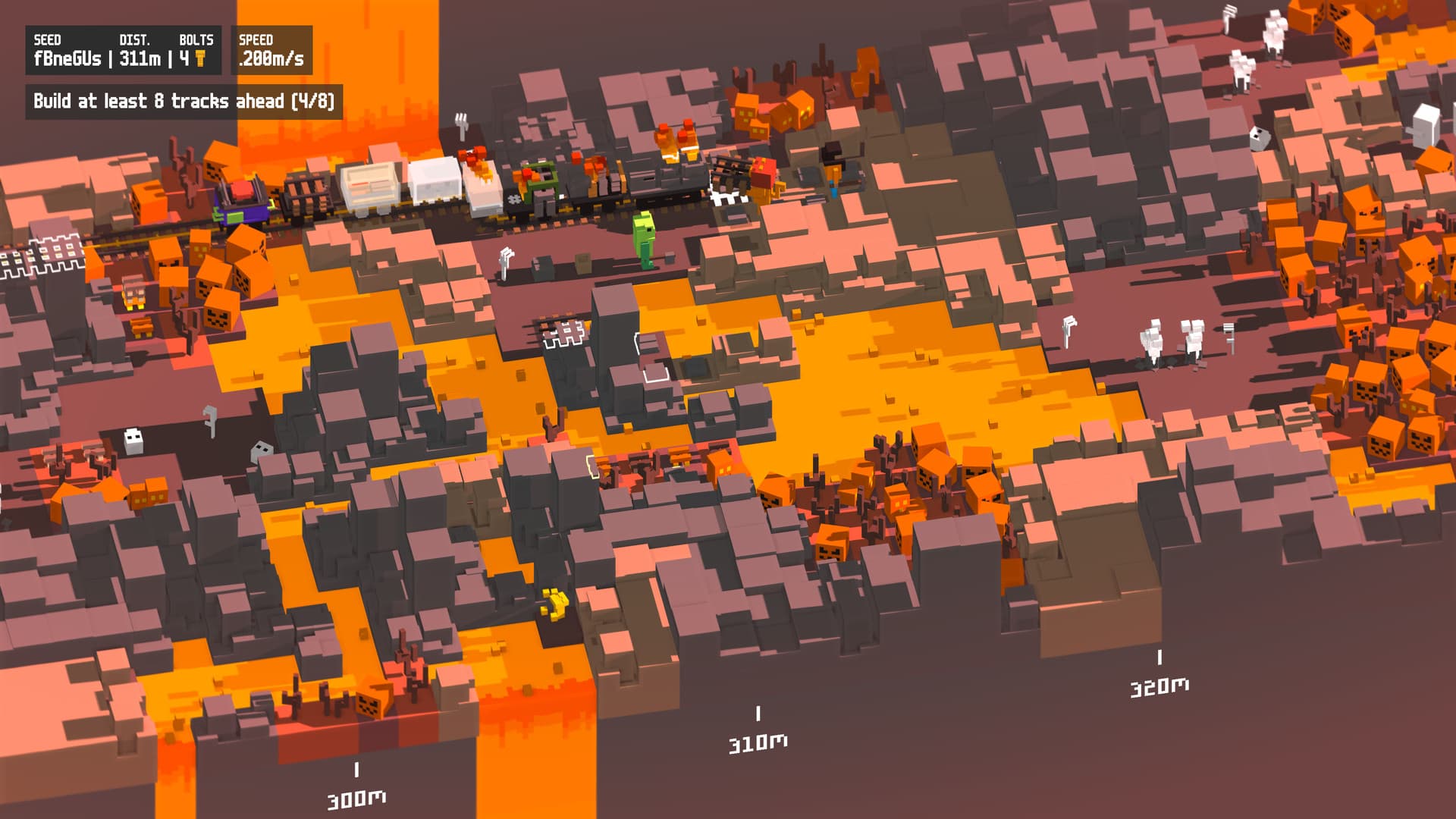
Plan a short check before committing the evening
Use Valve’s current Remote Play instructions to arrange the session, then check whether every invited player can see the game and control the intended player. This is a recommended planning check, not a session we executed.
If streaming is unsuitable, compare the game’s documented native online mode, if it has one, as a separate option with its own ownership requirements. Do not buy extra copies on the assumption that they will repair a streaming connection. First identify which mode the group is actually trying to use.
Remote Play Together shares a hosted local multiplayer session. Choose a supported game, agree on the host and controls, and evaluate the actual connection before planning around it.
Documentation-based session planner, checked November 2, 2026. No live session, device compatibility or latency test performed. Recheck when Valve changes the feature or a game changes its supported modes.