PLAYSTATION / LIBRARY STORAGE
A PS5 USB drive can hold your games. Which ones can it play?
Decide whether you need room to keep games or room to play them before formatting an external drive.
Source check: November 23, 2026 | By David Bennett
Read the decision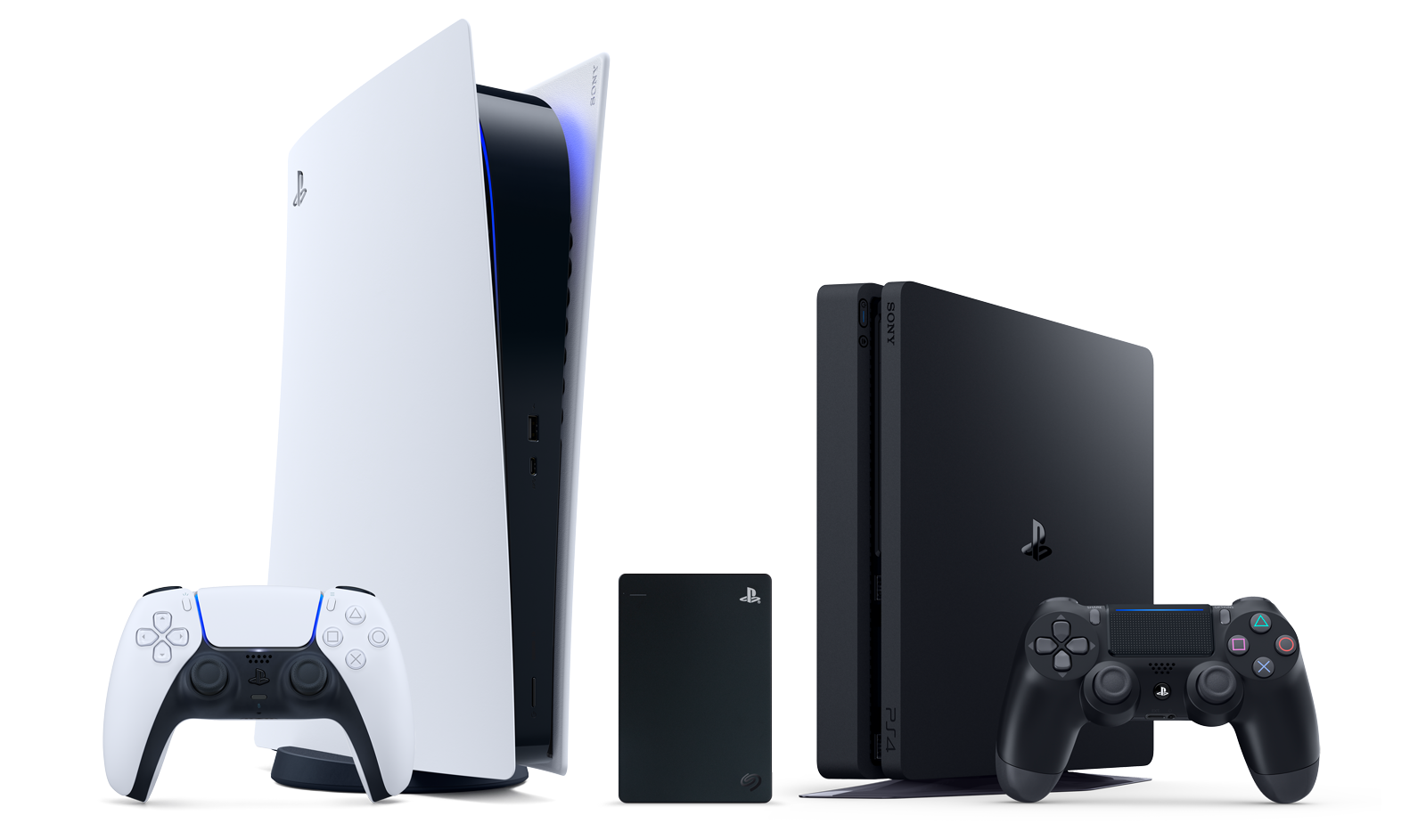
Official console-and-drive illustration; the pictured product is not a tested recommendation.
Credit: Sony Interactive Entertainment / PlayStation. Official source
On PS5, USB extended storage can play PS4 games directly, but PS5 games must return to console or compatible M.2 storage before playing. That makes an external drive useful for a different job than an internal expansion. Identify the version you actually play before deciding what to move.
Start with the version you want to launch
A PS4 title played on a PS5 is still a PS4 game for this decision. A PS5 version has the copy-back requirement even when you also own its PS4 counterpart. Check the installed version rather than making a decision from a familiar cover image.
Think in terms of your next session. If you expect to alternate between a PS4 favourite and a PS5 release tonight, the two installations need different plans. Treating everything on an external drive as equally ready to launch sets up an avoidable interruption.
Choose capacity for the job, not just the box
Sony specifies SuperSpeed USB at 5 Gbps or faster and capacity from 250 GB to 8 TB. Connect directly, without a USB hub; only one extended-storage drive can be in use at a time. Sony does not guarantee every device.
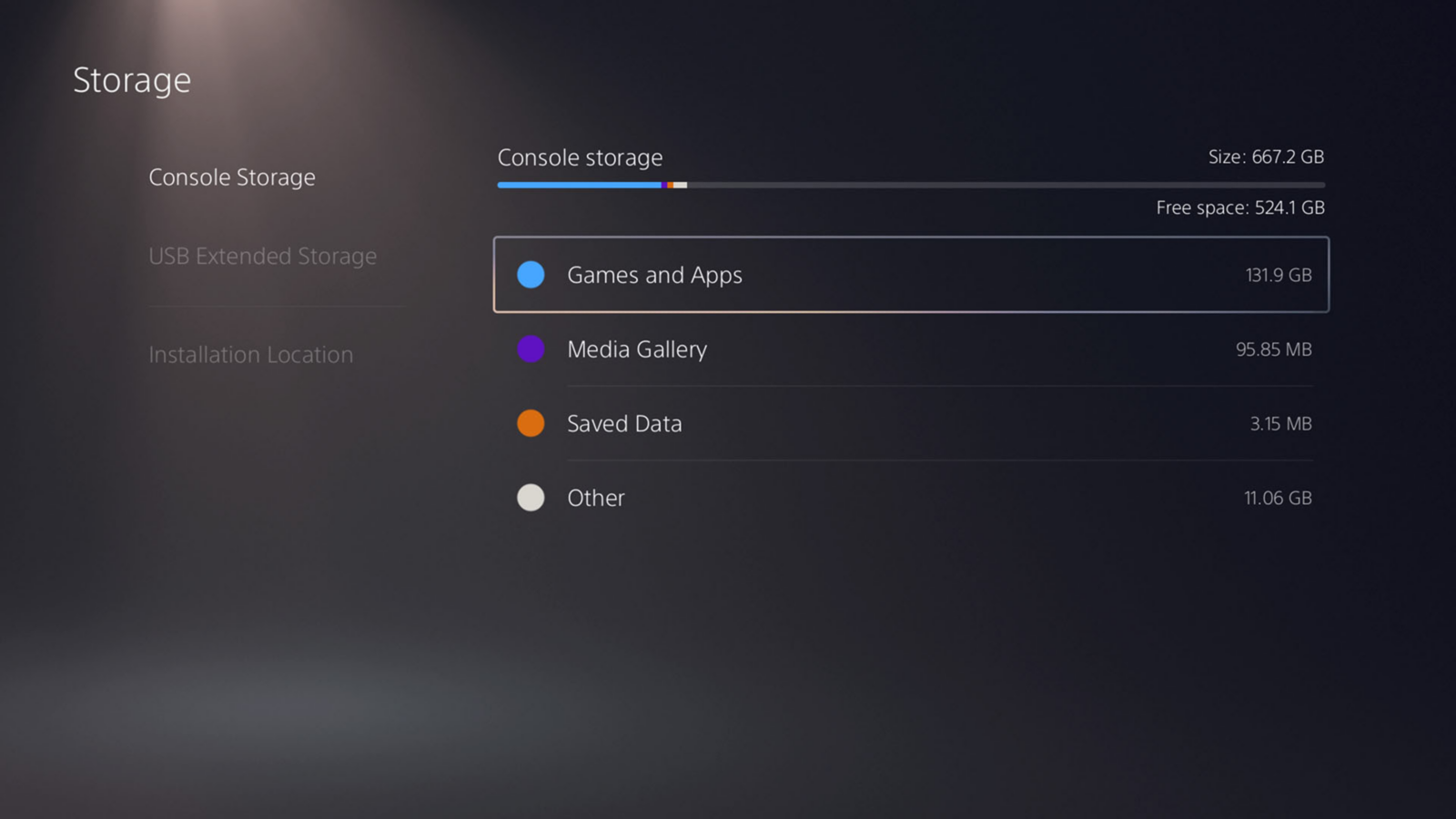
A supported drive can give you somewhere to put a game you are setting aside. It does not remove the need for playable PS5 storage. If your aim is to keep more PS5 games immediately launchable, investigate compatible M.2 expansion instead. Our separate SSD-fit guide addresses the physical installation question. No transfer-time or loading-speed comparison was measured here.
Credit: Sony Interactive Entertainment / PlayStation. Official source
View original diagram
Match the port to your console model
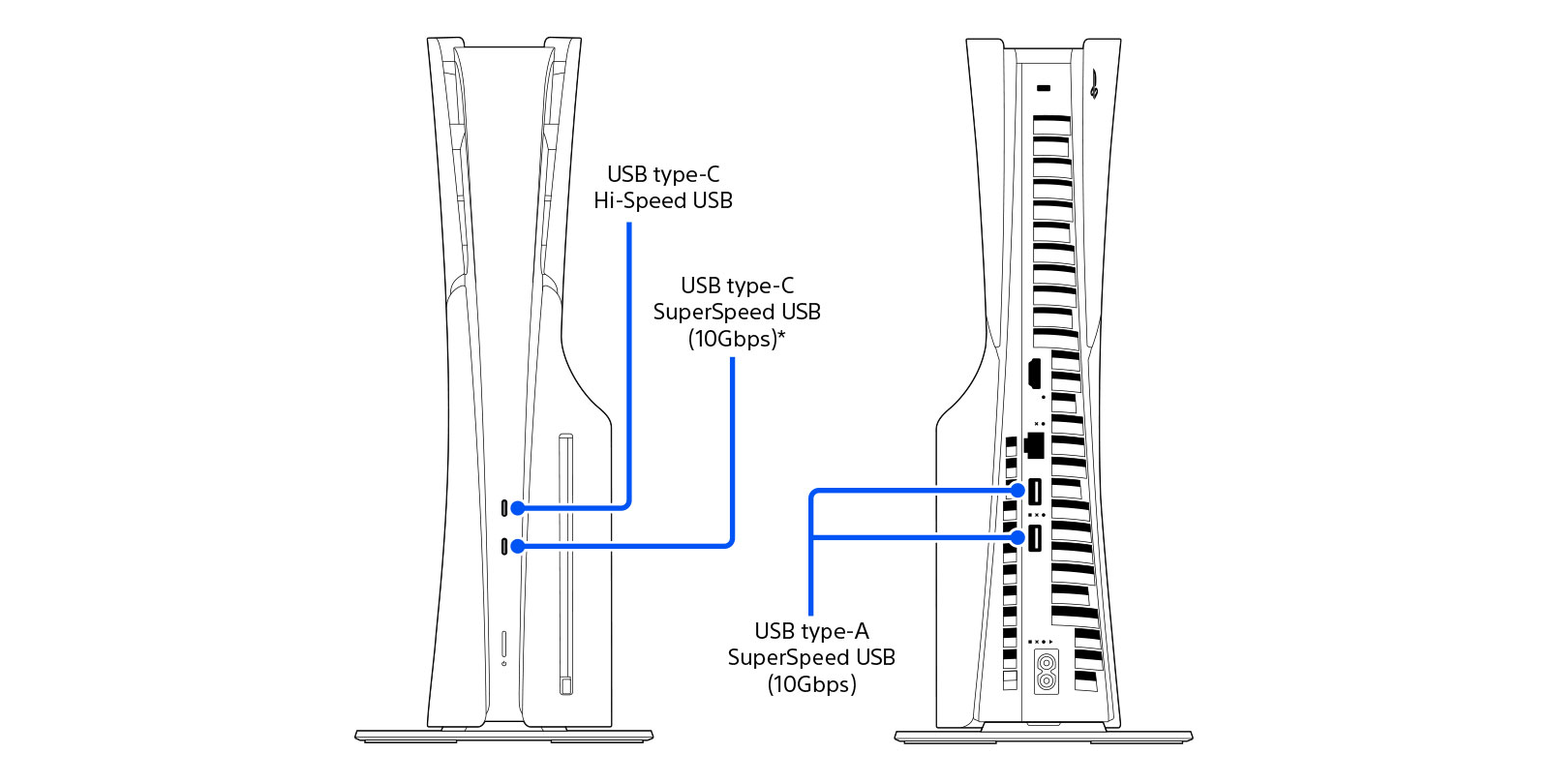
Use a SuperSpeed port for extended storage. Sony’s CFI-2000/7000 guide distinguishes the two front USB-C connections: one is Hi-Speed and one is SuperSpeed 10 Gbps. Both rear USB-A ports are SuperSpeed 10 Gbps. The CFI-1000 front arrangement differs, so identify your model before following a picture.
The shape of a plug is an incomplete compatibility check. Read the model-specific port diagram, then check the drive and cable specifications. If the console does not recognise a drive, verify these basics before considering a format. An unidentified drive is not evidence that erasing it will solve the problem.
Credit: Sony Interactive Entertainment / PlayStation. Official source
View original diagram
Formatting is a decision you cannot undo
Formatting irrecoverably erases existing drive data. Preserve important files elsewhere. Existing PS4/PS5 extended-storage drives need no reformat. For a new drive, Sony documents Settings > Storage > USB Extended Storage > Format as USB Extended Storage. Do not interrupt formatting.
This is a documentation-based decision guide, not an executed installation walkthrough. We have not formatted a drive or recovered lost files. Stop if you cannot identify the selected device or account for its contents. A format is not a harmless recognition test, and this article supplies no recovery promise.
Plan the return trip before moving a PS5 game
To copy a PS5 game back, Sony documents Game Library > Installed: highlight the game, open its options and select Copy. Plan destination space before playing; this guide offers no transfer-time estimate.
For a PS4 game, direct USB playback is the useful distinction. For a PS5 game, an external copy is a holding location. You may prefer to keep tonight’s PS5 game in playable storage and move a completed one instead. This is a library-management choice, not a recommendation for a particular drive or a claim that every game will launch successfully.
Keep progress and safe removal on separate checklists
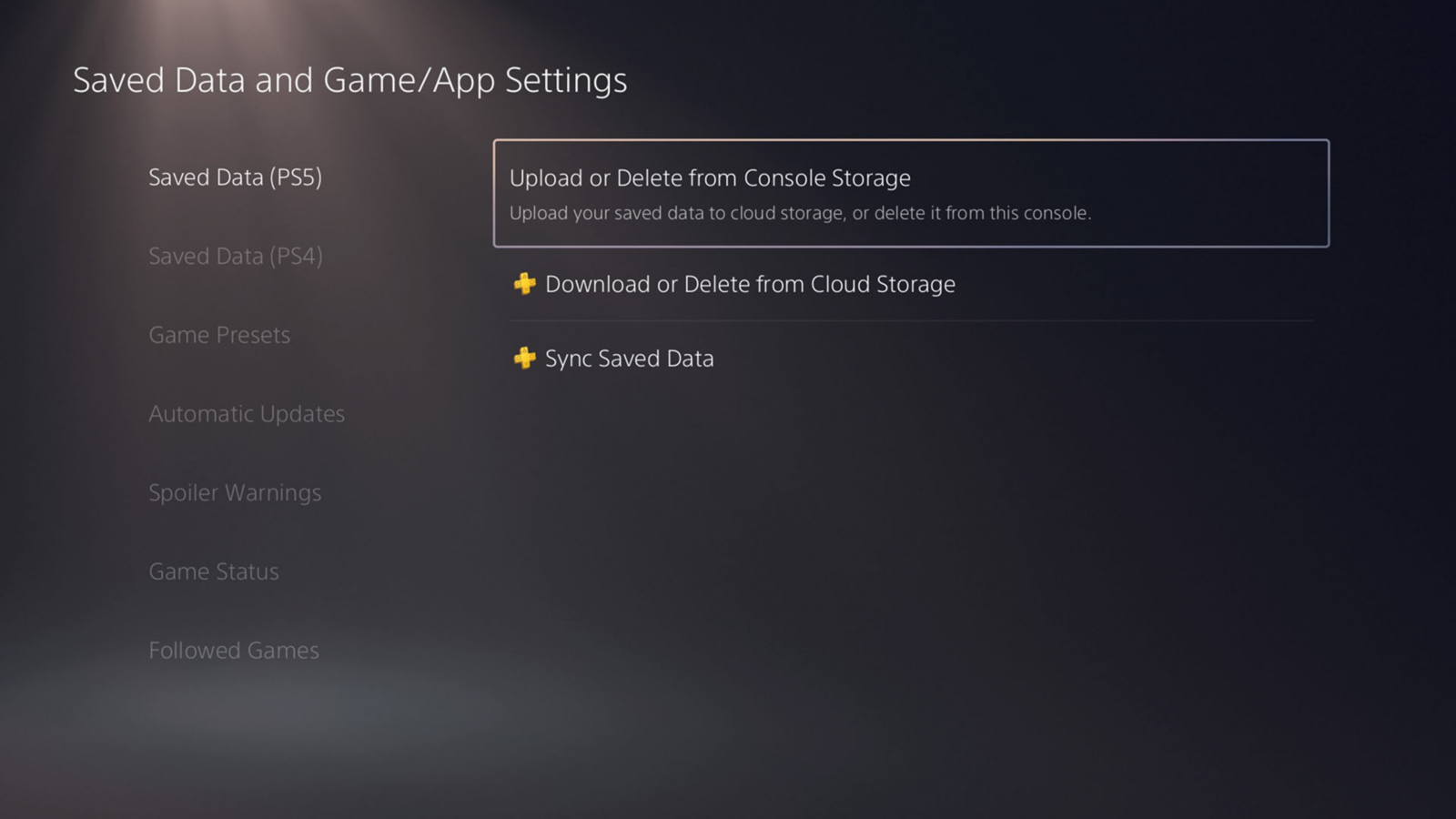
Game installations and saves are separate data types. Sony’s storage table does not list USB extended storage as a save-data destination. PS5 saves can use PlayStation Plus cloud storage; PS4 saves can also use an ordinary USB drive. That ordinary FAT/exFAT drive is a different use from extended storage.
Do not infer a save backup from a successfully moved installation. Decide how progress is protected separately. When disconnecting extended storage while the console is on, use Settings > Storage > USB Extended Storage > Safely Remove from PS5 first. Alternatively, wait until the console’s power indicator is completely off. Never pull a drive during a transfer.
Credit: Sony Interactive Entertainment / PlayStation. Official source
View original diagram
Your next decision
Keep current PS5 games in playable storage. Use USB extended storage around the versions and sessions you actually plan.
Sources and reporting limits
Based on current PlayStation documentation and publisher images. Gamer-Z has not tested a drive, performed a transfer or measured compatibility or speed for this guide.
No formatting, drive compatibility, transfer speed or save recovery was tested. This guide explains documented choices; it supplies no device recommendation or backup guarantee.
- USB extended storage on PS5 consoles
- Manage PS5 console storage
- PS5 USB ports guide
- PlayStation storage solutions
Sources checked November 23, 2026.
Further reading
FINAL FANTASY RESONANCE / PARTY BUILDING What stays when you switch a Vision?
David Bennett · · 3 minGuide Your next handheld starts with three games.
David Bennett · · 6 minGaming audio • Research-led buying guide Five Gaming Headsets Compared
David Bennett · · 16 min