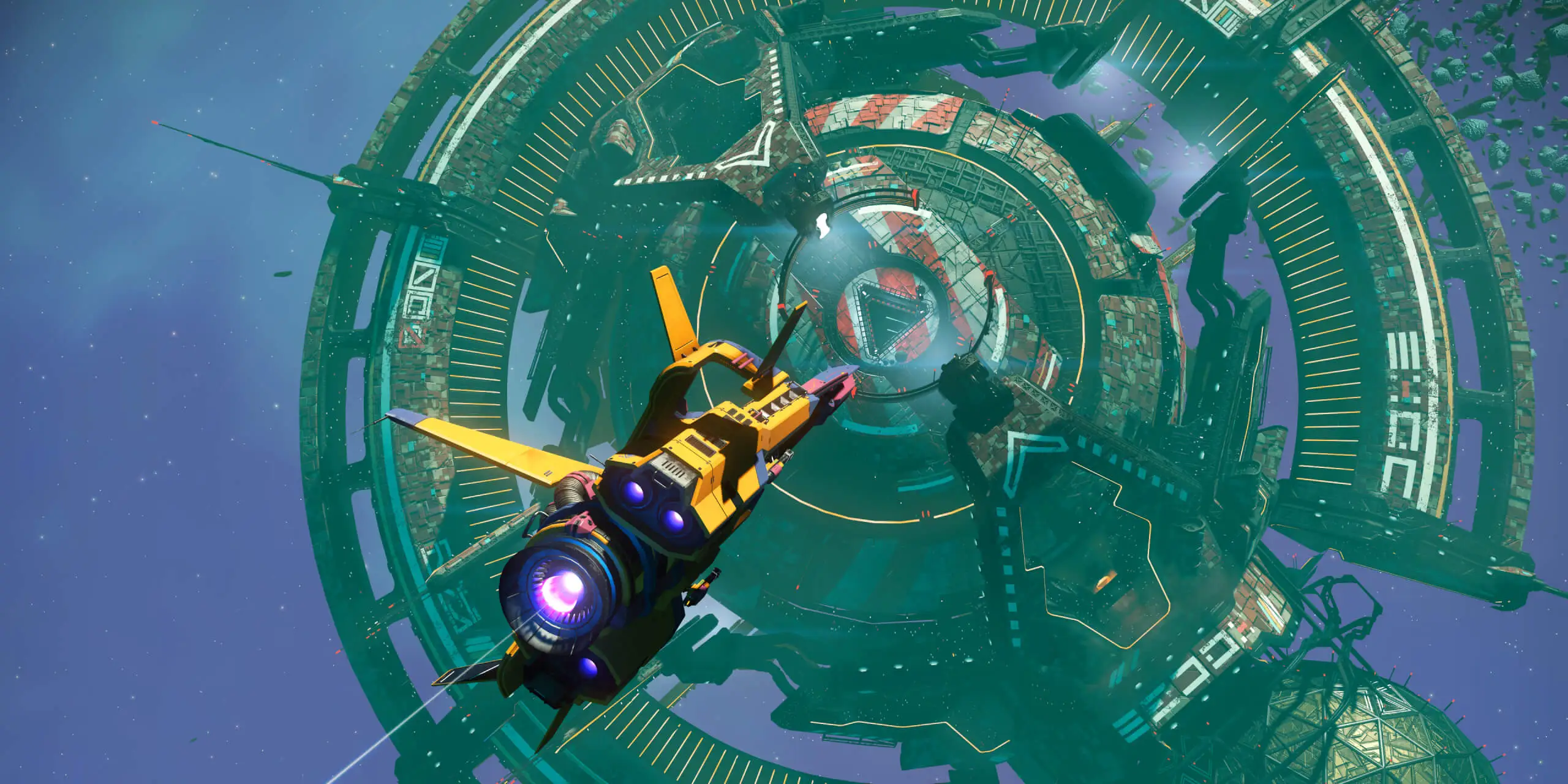
Official No Man's Sky promotional image from its cross-save page.
No Man's Sky supports moving progress between connected platforms, with room for up to five saves in its cross-platform storage. That does not mean every edition has identical multiplayer features. Before changing devices, separate three questions: which account holds your progress, which save you want to continue, and what the destination edition actually supports.
Check the current service, not an old beta notice
Cross-save began as a limited rollout in November 2024. Hello Games opened it to the full player base with Beacon in June 2025. If an older guide tells you to wait for a beta invitation, that is describing an earlier stage of the service.
The launch announcement covered a broad collection of platforms, including PC storefronts, consoles, Steam Deck and VR. That history explains the purpose: continue an existing journey when the device changes. It does not supply a benchmark for loading speed, a guarantee that every old save will transfer without an issue, or proof that two editions expose every feature in the same way.
Sources: Cross-Save announcement and Update 5.25; Beacon announcement.
Separate save access from playing together
The Switch editions show why this matters. Hello Games said the Switch 2 edition added full multiplayer, which the original Switch version lacked, while also supporting cross-save and cross-play. Moving your progress and joining another player are therefore different decisions. A save-transfer promise alone cannot answer whether the destination can host the session you have planned.
Beacon's detailed notes also discuss transfers to and from platforms without settlement support. Treat that as a reason to check the particular activity you want to resume. If your evening depends on managing a settlement or meeting friends, check that feature separately from the ability to retrieve your save.
Sources: Beacon announcement; Beacon 5.7 update notes.

Identify the account and the five saves that matter
Hello Games' FAQ allows a single connected account, such as one PSN identity used for a PS4-to-PS5 move. It describes the most recent save uploading when you launch on a connected platform; extra uploads are selected separately, within five cloud slots.
Plan around the journey you actually want to continue. A returning player with several campaigns should identify the intended one before switching screens. A household using several accounts should settle whose progress is being moved before signing in. Those are preparation choices, not a reason to combine unrelated accounts or assume the service merges campaigns.
Sources: Hello Games Cross-Save FAQ.

Treat a conflict as a choice, not a merge
The FAQ says a file-size or timestamp mismatch prompts a choice of save version. Check which version contains the progress you intend to keep before choosing. The empty cloud icon uploads a local save; Cross-Save Manager downloads a chosen cloud save to local storage.
If the feature is missing after linking, check the platform's cross-save toggle. Avoid using Disconnect all accounts as a casual reset: Hello Games says it deletes the cloud identity and server-stored saves, while local platform saves remain unaffected.
Sources: Hello Games Cross-Save FAQ.
Give a new edition its own compatibility check
Forsaken announces an iOS edition, but that announcement alone does not establish the account-linking procedure for every Apple device. The reviewed cross-save FAQ names PC, PlayStation, Xbox, Switch and Mac. This guide does not infer an iOS transfer path from the broader platform announcement.
Likewise, a new patch number is not proof of simultaneous rollout. Hello Games' October 30 note described 7.12 as live on PS5, with other platforms to follow. Check your destination's current release information if a transfer is unavailable; that note does not diagnose a cross-save error or establish that your file is damaged.
Sources: Forsaken 7.10 update; Forsaken 7.12 patch note.
Use cross-save when your goal is to continue an existing journey elsewhere, then verify the destination's separate features. Decide who owns the account, which campaign matters and which copy has the progress you want. If those answers are unclear, resolve them before accepting a conflict prompt. Successful account linking by itself is not evidence that the intended save has arrived.
This guide explains the published rules checked on October 31, 2026. It does not certify a completed transfer, recovery of a damaged file, mod compatibility, purchase entitlements or performance on a particular device. Recheck the official FAQ and release notes when changing platforms.