Should you start a new factory for Factorio: Space Age?
Your old factory can go to space. Whether to take it depends on what you want to build next and which version last saved it.
Start a new world for your first trip through Space Age if you want to discover the expansion’s technology in order. If your aim is to send supplies into orbit from a factory you already love, Wube says you can continue a base-game save. Keep an untouched copy. If that world is still on Factorio 2.0, back up your blueprints as well before moving to 2.1.
What a fresh start changes
Think back to your first rocket. In the base game, launching it could be a reason to call a factory finished. In Space Age, rockets carry the materials for a new factory in orbit. They cost less to build, and the platform they supply can eventually carry goods between planets. A new world gives you a reason to design for repeated launches from the outset.
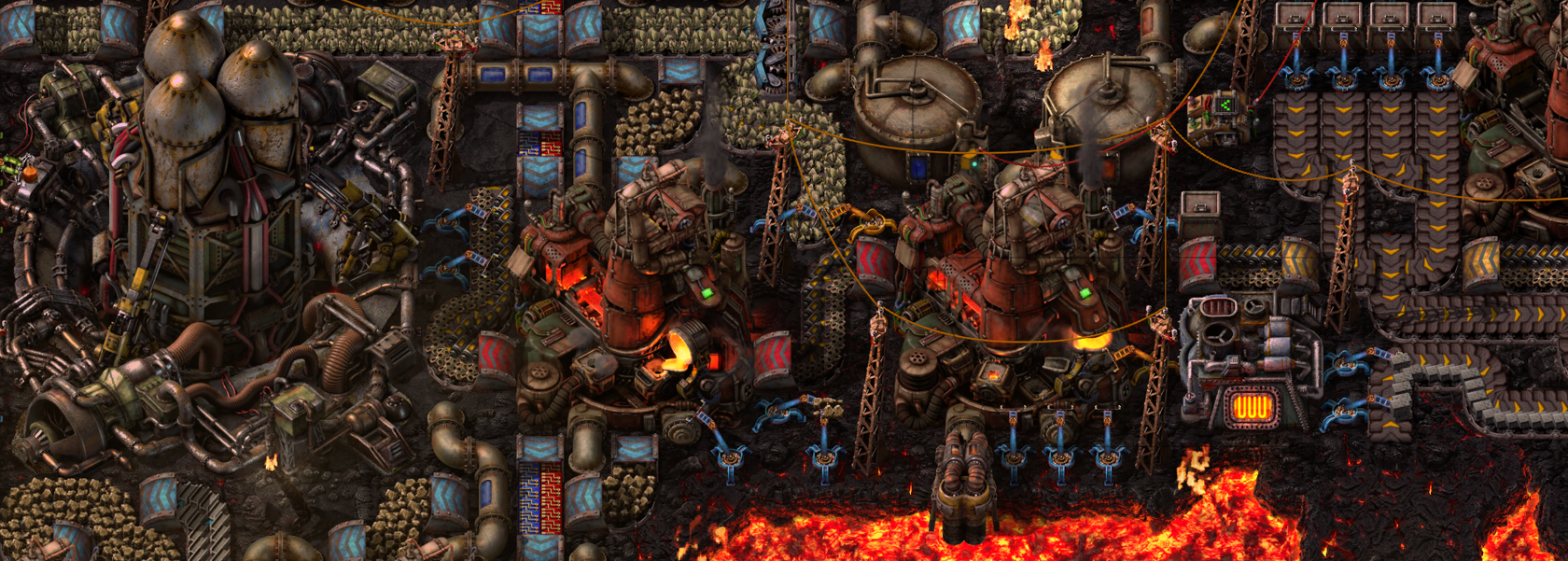
The other reason to start over is the research tree. Wube moved familiar unlocks, including artillery and Spidertron, beyond the starting planet of Nauvis. The planet you visit shapes what you can build next. On Vulcanus, for instance, lava becomes a source of molten iron and copper. Choosing where to set up production is part of the puzzle even for someone who knows the base game well.
When the old factory is the better project
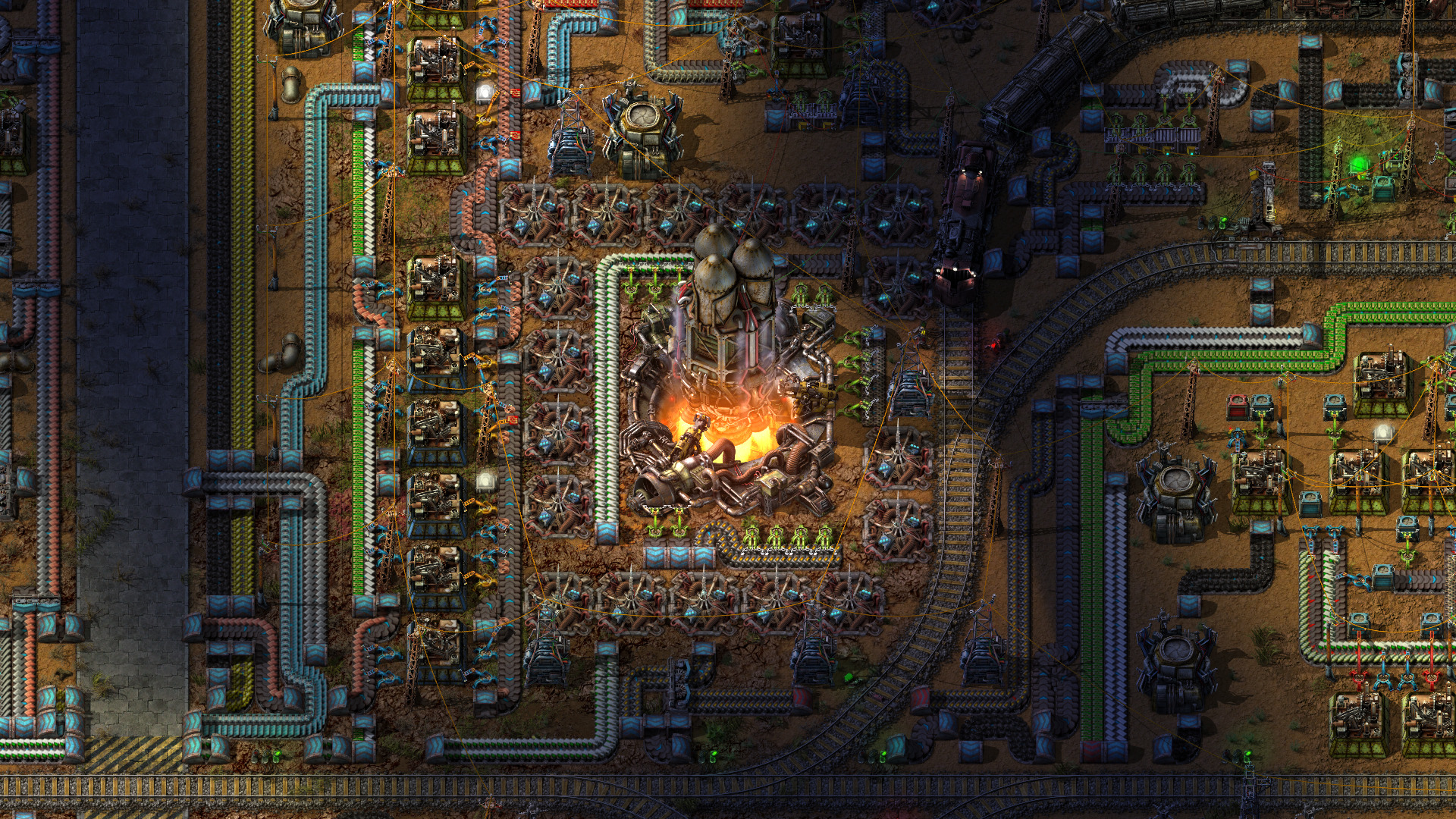
Picture the railway you spent an evening untangling. If what you want to find out is whether that railway can feed a launch operation, a copy of the existing world gives you exactly that project. Check where a new supply line would meet the old belts, where it would compete for materials, and which junction you would most enjoy rebuilding.
Wube’s English save prompt in version 2.1.24 still recommends a fresh world when opening a non-Space Age save with the expansion enabled. The option labeled “Load and fix” attempts to bring that save closer to the expansion’s progression. The tooltip gives no item-by-item guarantee. If a particular unlock, machine or stocked chest matters to you, inspect it in the copy before deciding to continue there.
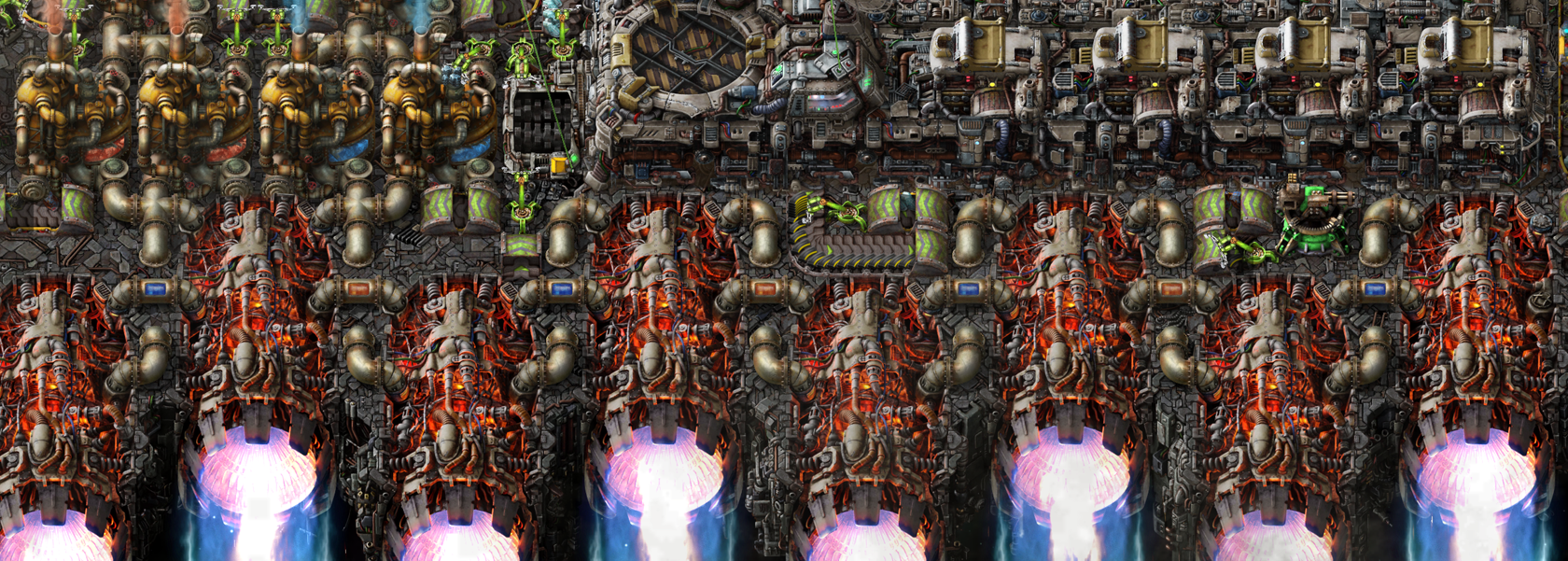
Moving from 2.0 adds a separate backup decision
Look at the version that last saved your factory. Wube’s October 23 stable release notes say 2.1 can load 2.0 worlds, but saves and blueprints updated to 2.1 cannot be taken back to 2.0. Set aside the original world and a backup of the blueprints you use across factories. A second name for a world only addresses the first of those two risks.
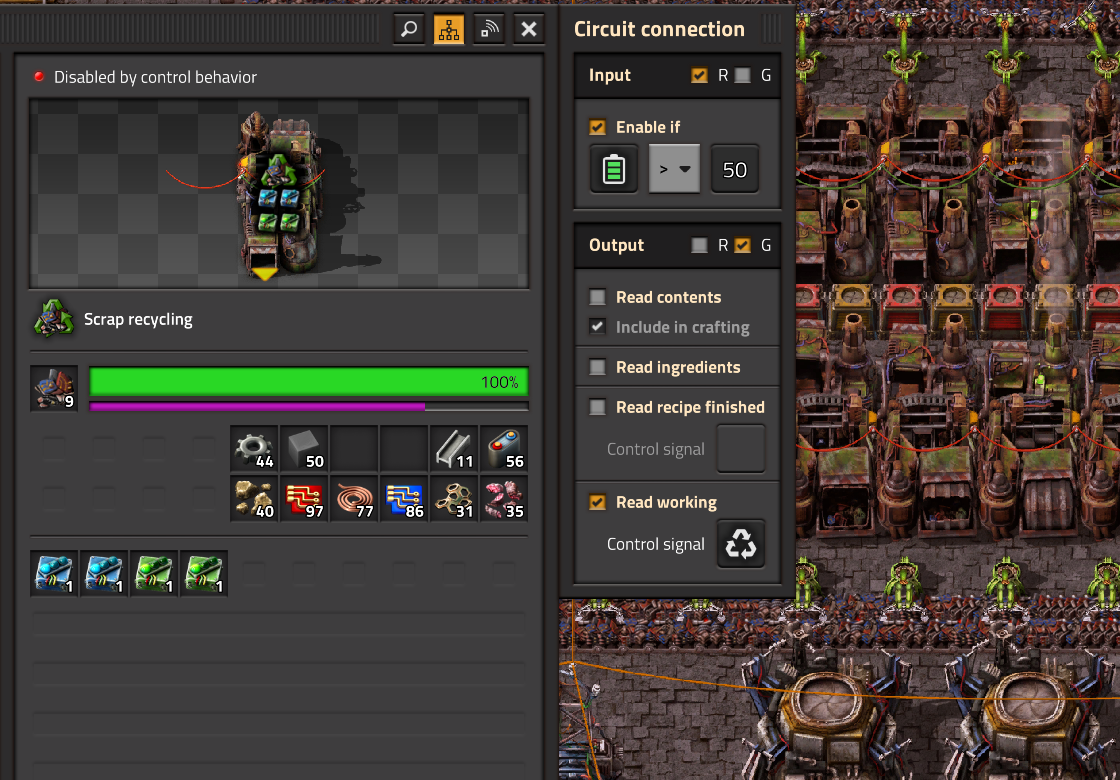
A circuit-controlled assembler is a good place to inspect the copy. In 2.1, circuit inputs and outputs can use different wire colors. Wube removed the old behavior that subtracted a machine’s own signal, and specifically flagged some assembling-machine and asteroid-collector setups built in 2.0. Watch an affected line complete the job you designed it for. Seeing the map open tells you little about whether the line still produces the right item.
Before committing your next evening
On Steam, Space Age requires Factorio as well as the expansion. Installing the free 2.1 update alone does not add the planets. If you rely on third-party mods, check those projects’ supported versions before you choose a working copy. Wube cautioned at the stable release that some mods might still need updates.
For an unmodified 2.0 or 2.1 PC world, the choice comes down to which job sounds better tonight: building towards your first orbital supply run, or fitting one into a factory with a history. Keep both worlds if you want both projects. For an older save or an overhaul mod, check its specific migration guidance before using your only copy.