FALLOUT 76 / CHOOSE YOUR WORLD
Which Fallout 76 world keeps your Adventure progress?
Private Adventure and Custom Worlds make different promises about the character you keep.
Source check: November 10, 2026 | By David Bennett
Read the decision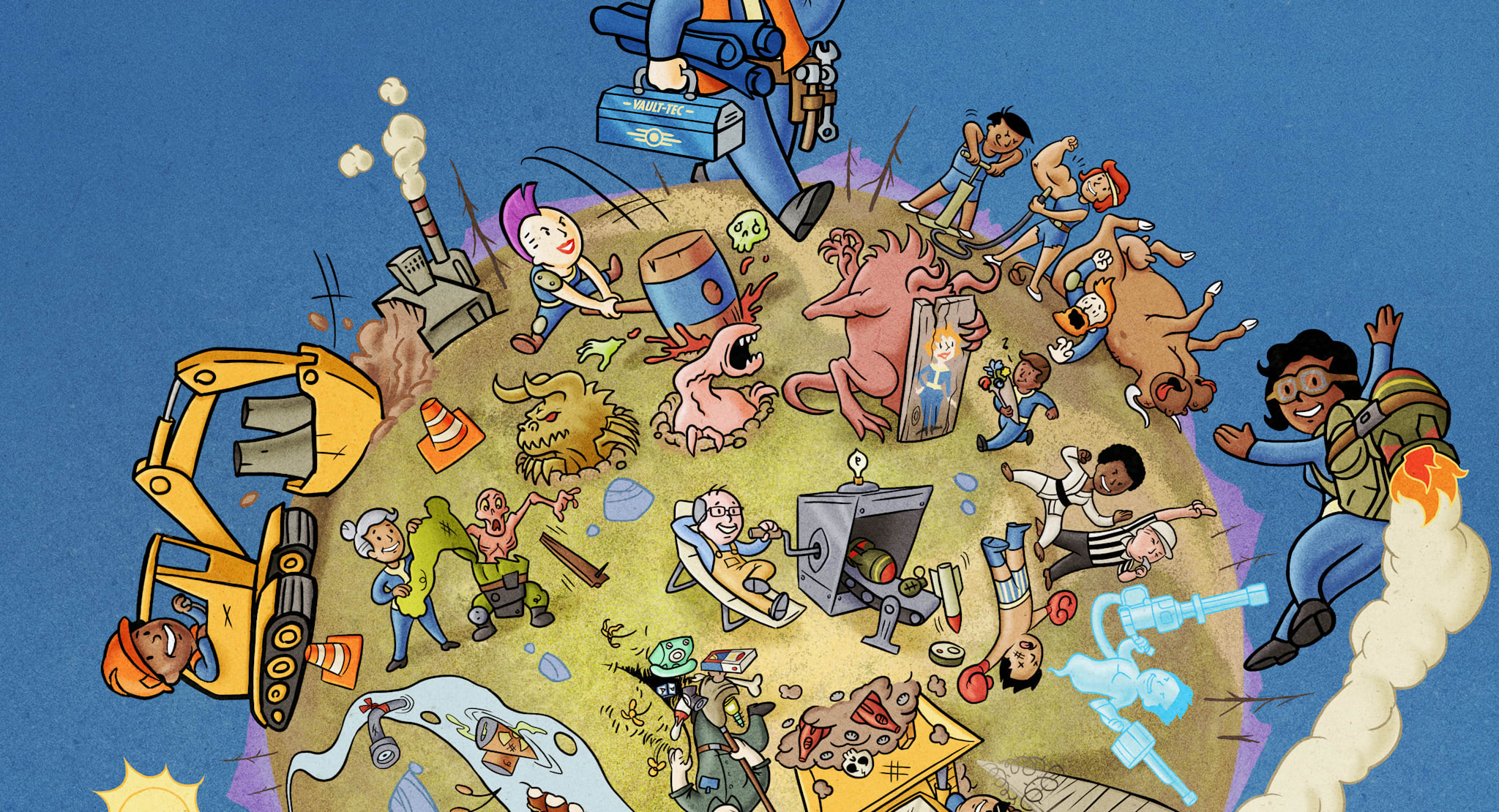
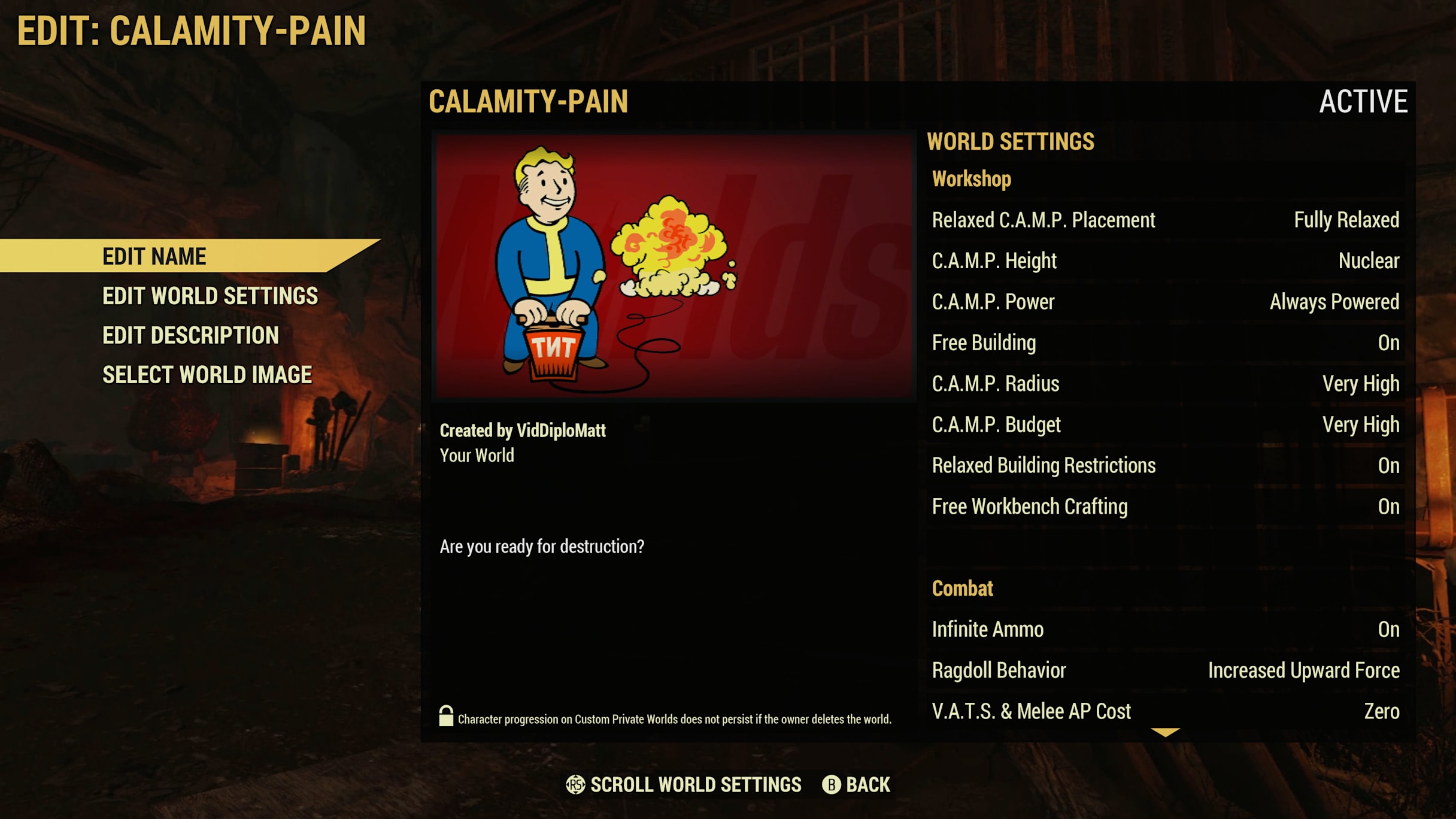
Official promotional illustration of Fallout Worlds. It is not a capture of our character or a promise that these changes transfer to Adventure.
Credit: Bethesda Game Studios / Bethesda Softworks. Official source
Choose Private Adventure when you want a private session to advance your regular Adventure character. Custom Worlds save a separate character branch that cannot return its gains to Adventure. Eligible non-repeatable Daily and Weekly SCORE challenges are a separate exception, not a bridge between those characters.
Choose where you want the character to grow
Private Adventure is the relevant choice when you want a private session to contribute to your regular Adventure character. Bethesda Support says everything gained on that character in Private Adventure transfers to Adventure. A smaller invited group therefore does not, by itself, create a separate character career.
Start with your intended result: advancing the character you normally use, or trying a deliberately different version of Appalachia. Those can both be worthwhile sessions, but they ask different things of the mode. A label containing the word private is not enough to decide which progress will follow you afterward.
Credit: Bethesda Game Studios / Bethesda Softworks. Official source
A Custom World creates a separate branch
Custom Worlds let Fallout 1st members change world rules. Their character progress belongs to that specific world, rather than flowing back into Adventure. Bethesda's launch documentation describes copying an Adventure character into Public or Custom Worlds, with the resulting character progression separate from the original mode.
Think of that copy as a branch for the chosen rules. The character may look familiar because it began from an existing one; that does not establish a route for bringing later gains back. Do not choose Custom Worlds for a session whose essential purpose is to advance your normal Adventure character.
Separate a saved branch from a transferable one
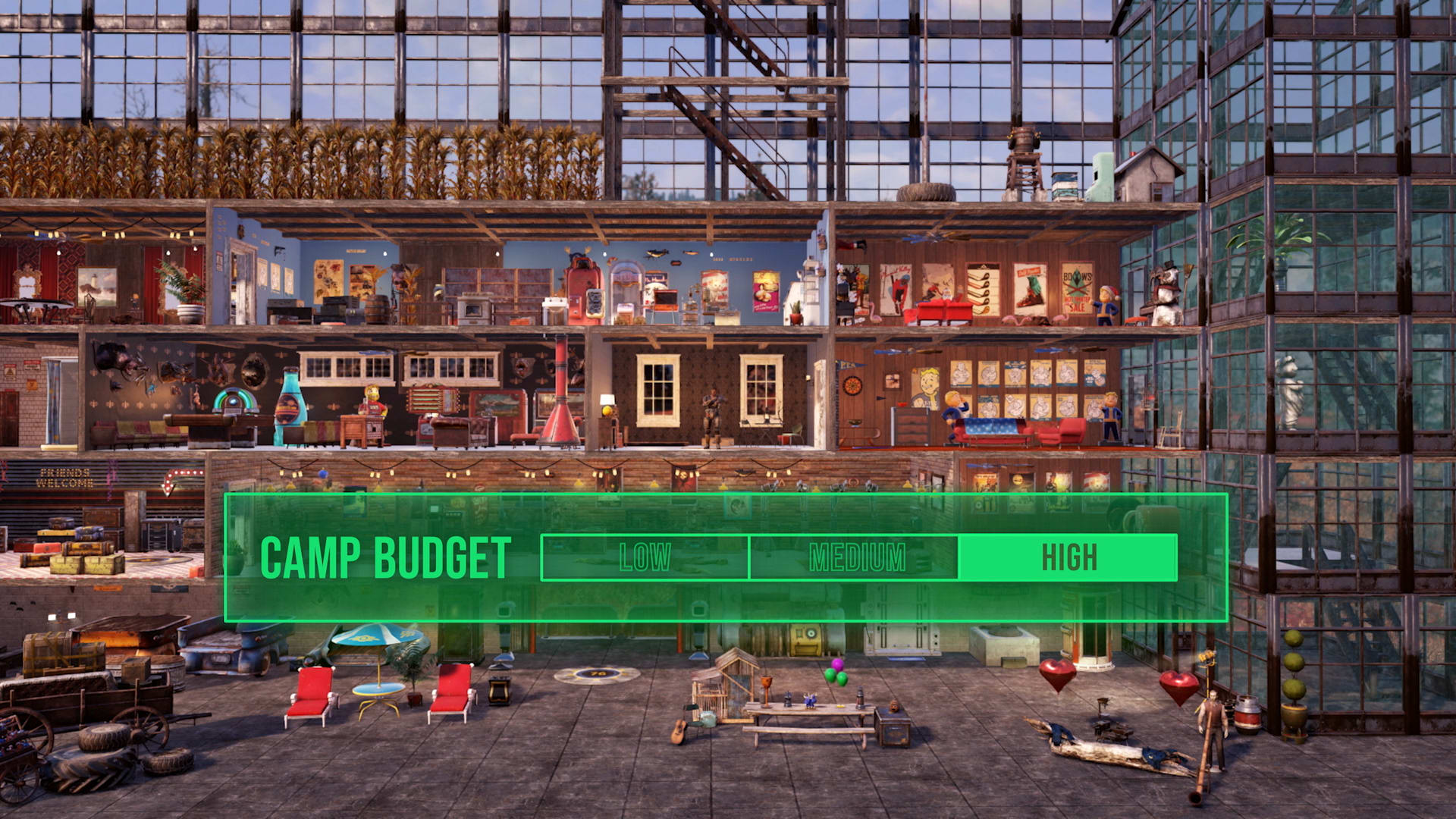
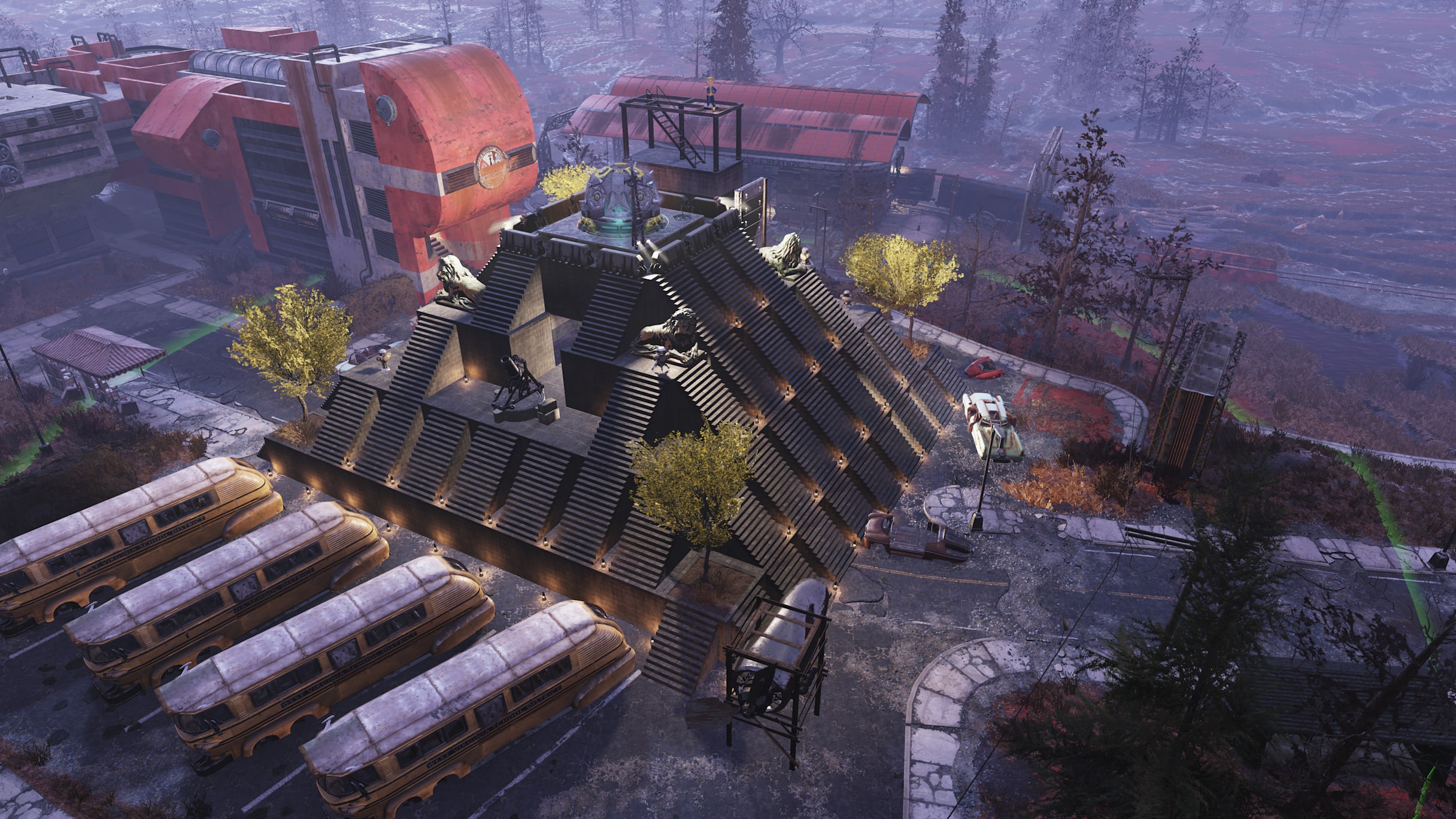
A Custom World is not simply an unsaved practice session. Bethesda says progress there, including C.A.M.P. placement, is saved for that world. It also says a Custom World character cannot be brought to Adventure, Private Adventure or another Custom World. Saved and transferable answer different questions.
Keep that distinction in your session plan. A building experiment can remain useful inside its own world without becoming part of your regular character's continuing story. If you are deciding where to invest a long session, identify which version you expect to revisit instead of relying on the familiar character name.
Credit: Bethesda Game Studios / Bethesda Softworks. Official source
SCORE has a specific exception
Character progression is separate from the Seasons reward system. Bethesda's March 1, 2022 update enabled SCORE from non-repeatable Daily and Weekly Challenges completed in Public and Custom Worlds. Current Bethesda Support and the final specific SCORE answer on the Fallout Worlds FAQ corroborate that exception.
Older wording on that same marketing FAQ still says those worlds cannot earn SCORE. That blanket statement conflicts with the later update and specific support answer. Use the narrower documented exception; do not infer that every challenge type, achievement, trophy or repeatable XP task qualifies, or that earning SCORE reconnects the character branches.
Plan access separately from progression
Bethesda lists both Private Adventure and Custom Worlds among Fallout 1st features. Its world FAQ explains that the owner needs the membership to start the world and can invite friends who are not members. Joining a friend's private space is therefore a different question from paying to create one.
Agree on the host and mode before promising a group session. If the owner leaves, the documented continuation depends on whether another participating friend has Fallout 1st; otherwise a shutdown countdown begins. This guide has not hosted a world or tested reconnect behavior, and it makes no uptime or subscription-value claim.
Credit: Bethesda Game Studios / Bethesda Softworks. Official source
Make the choice before loading the character
For normal character continuity, choose Adventure or Private Adventure. For a tailored ruleset, choose Custom Worlds while accepting its separate character branch. Public Worlds are another distinct option: Bethesda-created rotating experiences, rather than a private world you configure for your own group.
Write down the mode and the result you care about before starting: normal character gains, a customized building experiment, or an eligible Seasonal challenge. If the current game notice or Bethesda's support changes a rule, recheck that precise result. Do not use a reward counter or a familiar character portrait as proof that every kind of progress transfers.
Your next decision
Use Private Adventure for ordinary Adventure-character continuity. Use Custom Worlds for a separate customized branch, and consider eligible SCORE challenges separately. Choose the mode around the progress you actually want to keep.
Sources and reporting limits
Source-based decision guide checked November 10, 2026 against current official documentation. No gameplay, hosting, save conversion, account linking or transfer procedure was executed for this article.
No tested migration or compatibility guarantee, performance verdict, pricing, subscription recommendation or demand estimate. Follow the current official documentation for any operation on a valued save.
- Bethesda Support: Private Adventure progress
- Bethesda: Fallout Worlds modes and FAQ
- Bethesda: Fallout Worlds launch notes
- Bethesda: March 1, 2022 update notes
- Bethesda Support: Public Worlds
- Bethesda: Fallout 1st membership modes
Sources checked November 10, 2026.
Further reading
FINAL FANTASY RESONANCE / PARTY BUILDING What stays when you switch a Vision?
David Bennett · · 3 minGuide Your next handheld starts with three games.
David Bennett · · 6 minGaming audio • Research-led buying guide Five Gaming Headsets Compared
David Bennett · · 16 min