THE SHORT ANSWER
For Black Ops Cold War, start with the account and storefront that hold your game license. PC owners should distinguish their Steam or Battle.net copy from Xbox subscription access. Console owners should check the edition's supported generation. If you use Game Pass, confirm that your current plan includes the game before paying separately. Xbox's September announcement includes Cold War in Ultimate, Premium and PC Game Pass from September 8. Xbox announcement
The useful question is not where to find a download button. It is which entitlement that button will use. An account sign-in, a game purchase, a content pack and a subscription are different things. This explainer brings the official routes together; it does not claim an installation was tested on your hardware.
01 / YOUR STARTING POINT
Where do you play?
Choose a platform to see the ownership checks that matter. This does not inspect your account.
Which storefront holds your copy?
A Steam purchase, a Battle.net copy and Xbox subscription access are separate routes. Check your library or receipt before buying again.
SteamUse the account that owns the Steam version.Official sourceBattle.netActivision documents its optional content management.Official sourcePC Game PassCheck current inclusion and the subscribed account.Official sourceTHE THREE CHECKS
Get the right game installed.

The account
Find the receipt or library that holds your license.
Read the guide →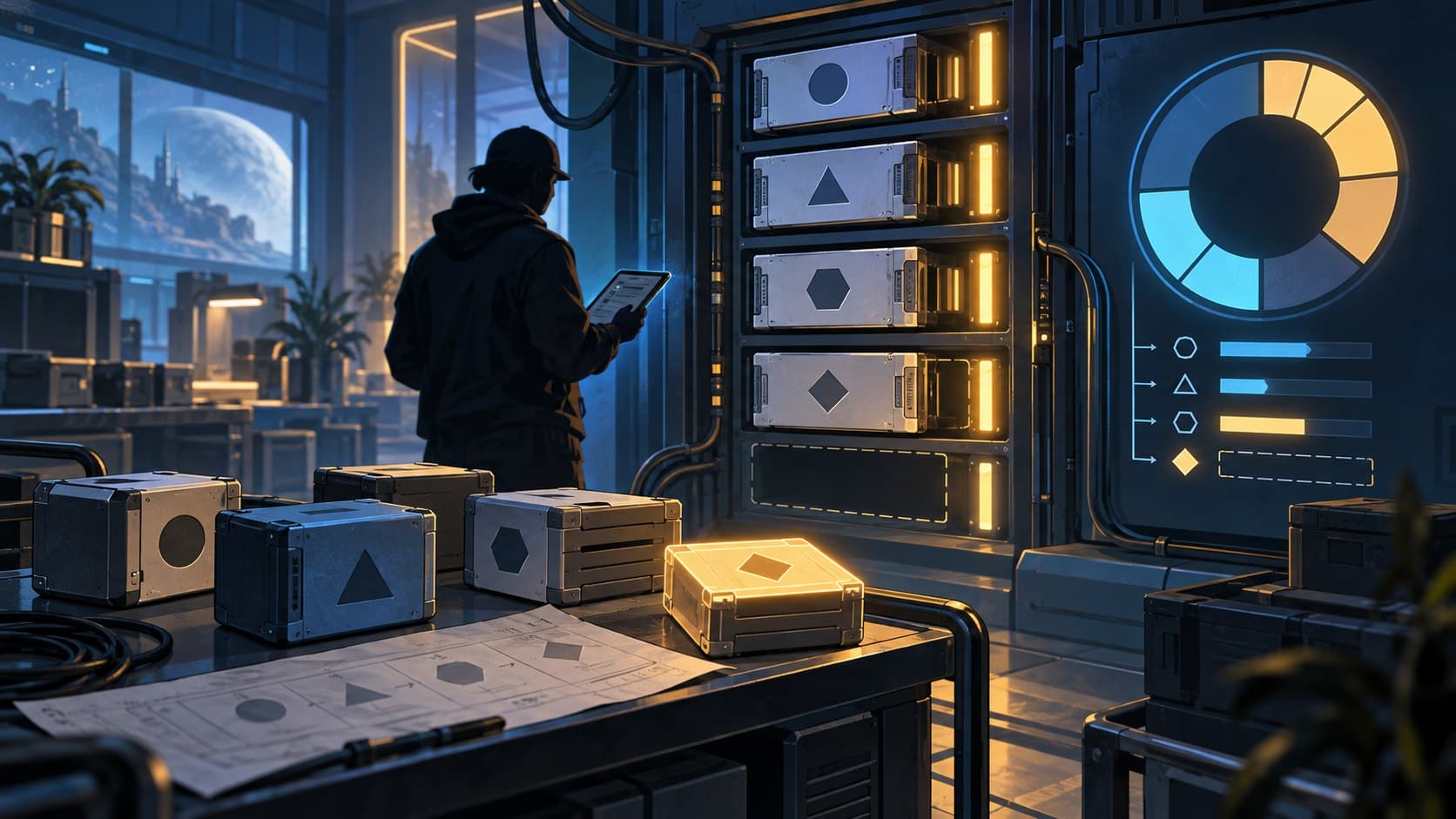
The edition
Match the copy to the console generation.
Read the guide →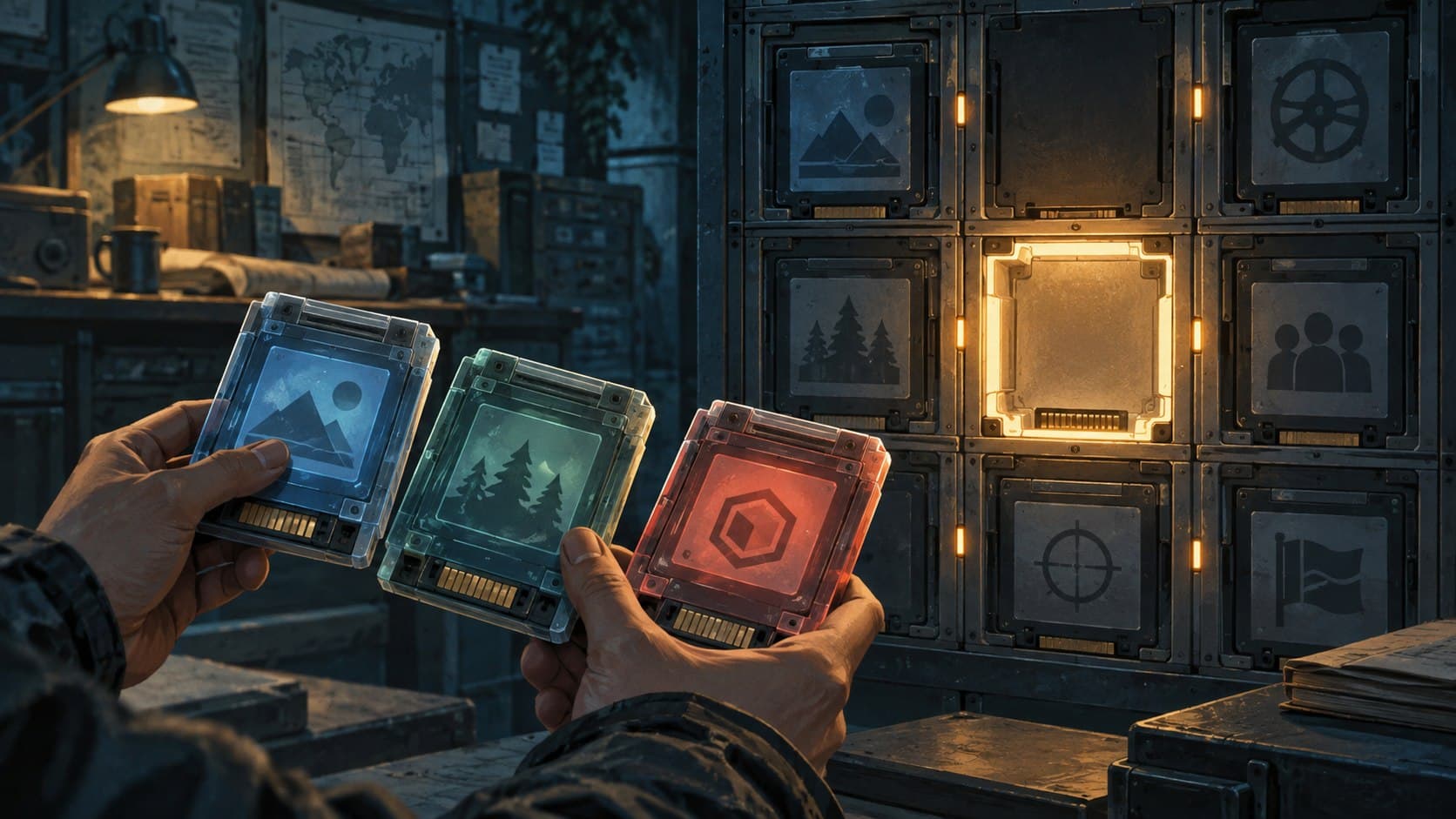
The content
A missing mode can be an installation question.
Read the guide →Original editorial illustrations provide context; the linked text and sources support each decision.
Choose the PC library first
Steam has an official Cold War product page. Activision's storage instructions also explicitly describe installing and modifying the game through Battle.net. Those are distinct routes: choose the launcher associated with the copy you own. Do not buy a Steam copy merely because an older Battle.net installation is difficult to find. Steam listing · Activision storage support
For subscription access on PC, use the current Xbox app listing and the account with your eligible subscription. The September Game Pass announcement names PC Game Pass, but it does not turn an existing purchase in another launcher into an Xbox purchase. Treat the route you use as part of the decision, not as an interchangeable download mirror. The practical checkpoint is the library or product screen showing your entitlement before you install.
If your expected game is absent, pause and check the purchase receipt or subscription account before making another transaction. A missing library entry is an account-support question first. This article cannot inspect ownership, restore an account or confirm an entitlement for you.
PlayStation: PS4 and PS5 are separate edition checks
The US Cross-Gen Bundle listing includes both PS4 and PS5 versions. Its upgrade notes also distinguish a PS4 disc owner using a disc-capable PS5 from someone with a disc-free PS5 Digital Edition. Do not assume that owning a disc gives a disc-free console a way to verify it. Read the official upgrade terms that match your copy. PlayStation Cross-Gen Bundle
Before a new purchase, ask whether you want the PS4 version or the native PS5 version. Before a reinstall, ask which version your account actually owns. Those checks prevent a common mismatch: finding the correct game name but selecting the wrong platform entitlement. Prices and upgrade offers are excluded here because the final regional store terms can change.
Xbox: game access and online access are different
The current Series X|S listing says cloud play includes the game through Game Pass Premium and Ultimate. Its Essential wording requires a game purchase to stream. The same page lists the eligible subscription requirement for online console multiplayer. Essential multiplayer access alone therefore should not be read as a promise that the full game is included. Xbox Series X|S listing
An existing owner should check their library before buying again. A subscriber should check their plan and the current product screen. A new buyer should check the edition's console compatibility. These are three different starting points, even when they eventually lead to the same game.
THE STORAGE CHECK
A number without
a date isn't enough.
Activision's support figures describe the November 2020 launch. Your chosen platform, mode packs and current installer determine what to check now.
Read the dated installation guidanceLaunch requirements
Current platform and content
Storage numbers need a date and a platform
Activision's installation article is dated November 12, 2020 and explicitly describes storage at launch. It also explains that individual mode packs can reduce an installation. Those figures should not be presented as the exact space a fully updated copy needs today. Activision installation and setup
Use the current installer estimate for the configuration you select. Keep the distinction between downloaded data, installed content and temporary update space in mind when deciding whether your drive is sufficient. We have not measured the current installation size. An old launch figure is not enough evidence to recommend buying a storage upgrade.
If a mode is missing, check the installed content
Activision documents optional mode installation and content modification through Battle.net, including Campaign, Multiplayer and Zombies choices. That gives you a useful question for troubleshooting: is the relevant content installed? It does not prove that every current launcher uses the same menus. Activision storage support
Keep the problem narrow. Confirm the account, then the game edition, then the required mode. If ownership or installation still fails, follow the official support route for that platform. Avoid substituting an unofficial installer for a license or content-management problem.
Your next decision
Write down the platform, storefront and entitlement you intend to use before selecting Install or Buy. For returning players, that is a better starting point than a new store search. For subscribers, the critical check is current inclusion on the correct plan. For console buyers, it is the exact generation in the edition description.
This is a US-source planning explainer. Regional offers, current download sizes, service availability and individual account state remain outside its evidence. Store and subscription changes will trigger a refresh; the linked official screens remain the final check before a purchase.
FOLLOW THE EVIDENCE
Sources & scope
Documentation-based reporting. No hands-on test, account check or measured performance claim.
- Xbox: September Game Pass additions
- Steam: Cold War
- Activision: storage management
- PlayStation: Cross-Gen Bundle
- Xbox: Series X|S edition
- Activision: installation and setup
Official documentation checked September 18, 2026. No installation or performance test is claimed. Store links go directly to official sites and are not affiliate links.