15 Gaming Setup Upgrades That Are Actually Worth Your Money
Fix the bottleneck you feel after three hours: comfort first, then display, controls, storage, audio, power, or organization that improves every session.


Gaming news, hands-on reviews, and guides from the island — written by players who bought the thing, not by press releases.
Loading The Wire
Fix the bottleneck you feel after three hours: comfort first, then display, controls, storage, audio, power, or organization that improves every session.


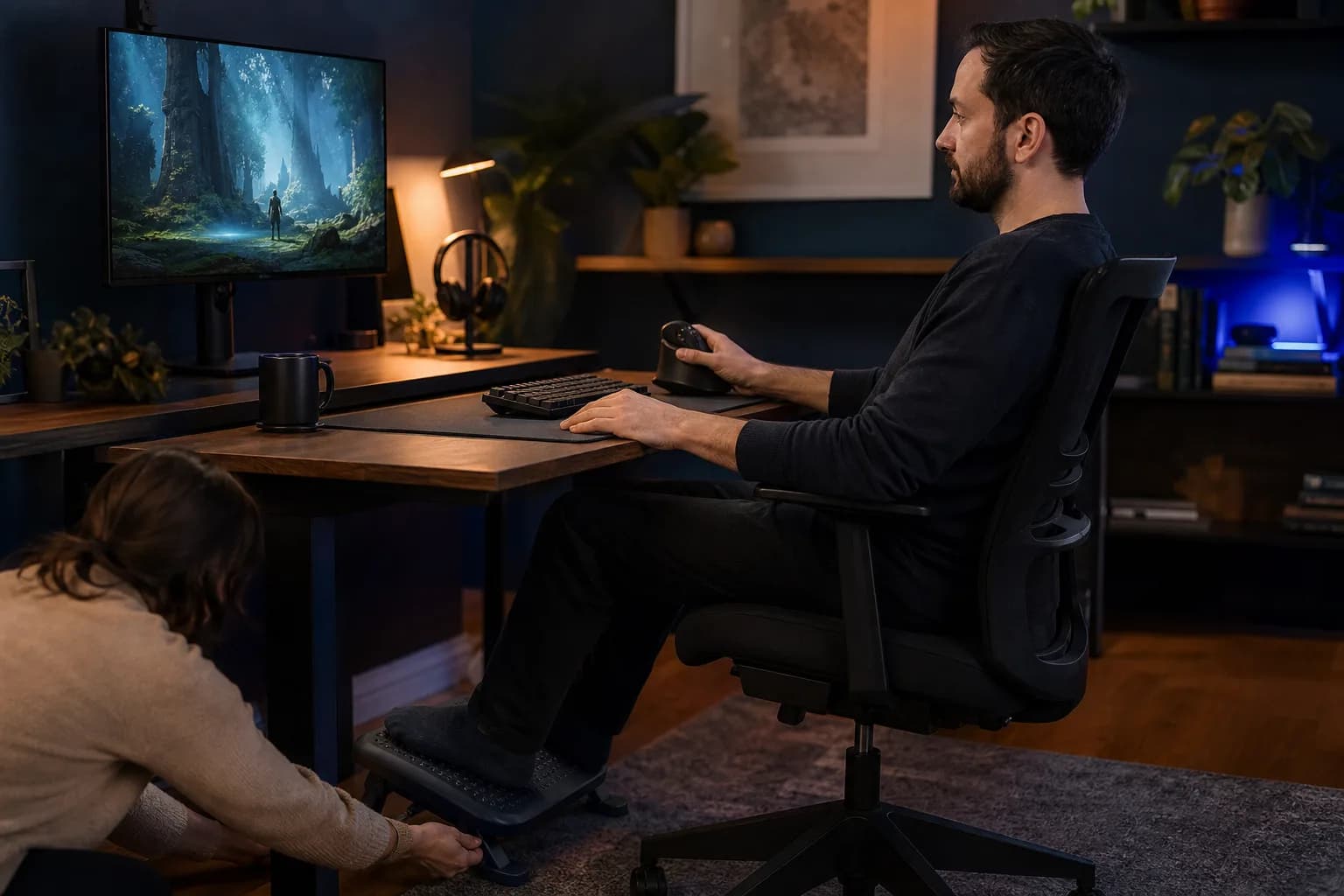
The most valuable upgrade may be a $20 footrest, prescription-friendly headset cushions, a vertical mouse, a larger controller, a lapboard or an accessibility adapter. Audit a normal session: where do you lean, squint, stretch or stop? Solve that first. A setup should serve the person inside it. Everything else - lights, glass cases and collectible keyboards - is decoration until comfort is handled.
Anyone who notices a recurring ache, reach, pressure point, or visibility problem.
The right fix is individual; persistent pain or vision problems deserve qualified professional advice.

The right display changes every game. Competitive players benefit from high refresh and low latency; cinematic players may value OLED contrast and strong HDR; desk users need the correct size and pixel density. For consoles, verify HDMI features such as 4K/120, VRR and bandwidth. For PC, balance resolution against the GPU. Do not buy “future-proof”; buy a screen your system can use now.
Players whose current display does not match their games, room, or hardware.
The console or GPU must support the target resolution and refresh rate; HDR and VRR support vary by input and display.

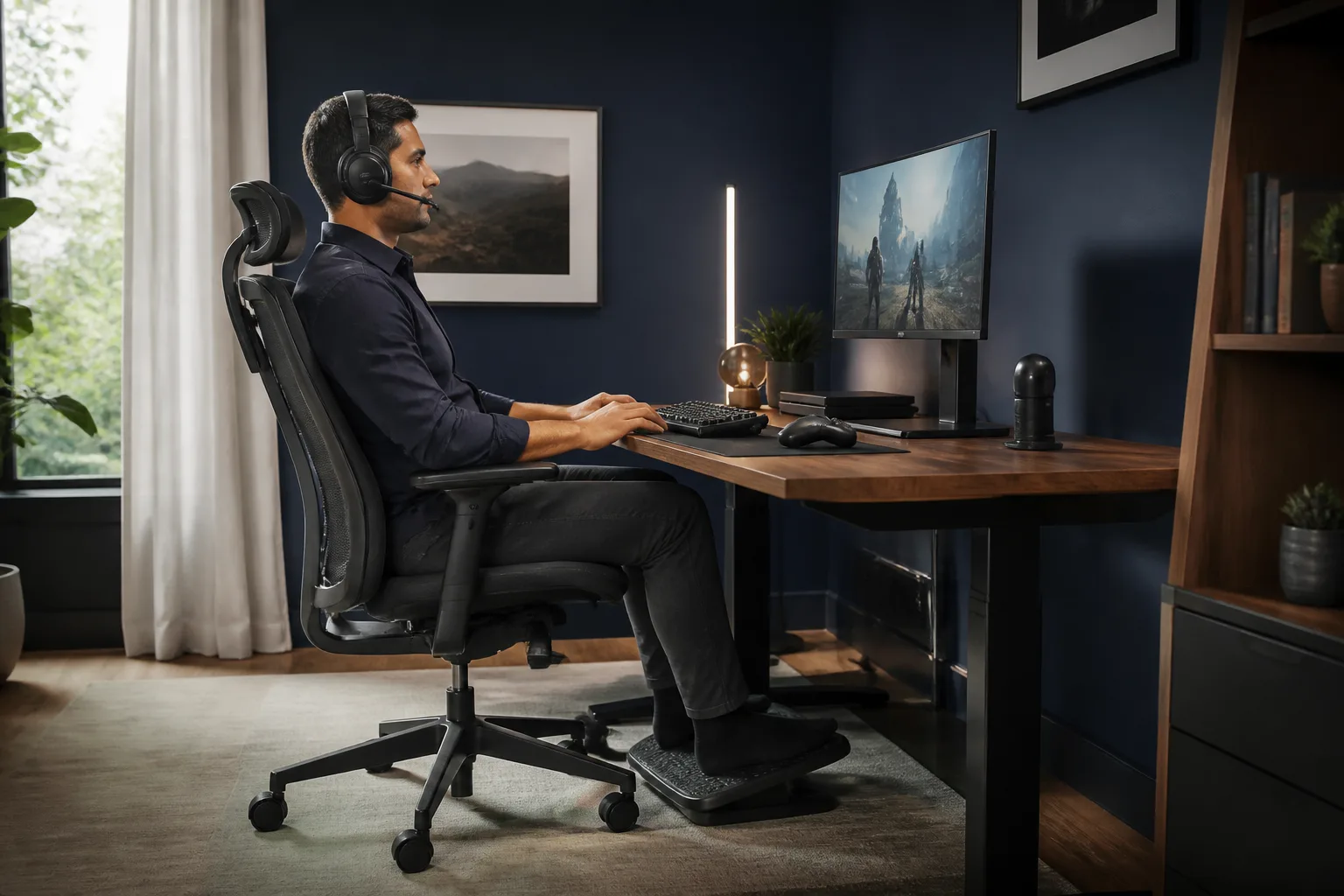
The logo on a chair is irrelevant. Look for adjustable seat height, useful lumbar support, a seat pan that fits and armrests that let the shoulders relax. Then set the desk around the body: feet supported, elbows comfortable, display near eye level. A less expensive office chair that fits beats a racing throne that does not.
Players whose chair or desk geometry causes fatigue during longer sessions.
A famous gaming-chair brand is not evidence of fit; seat depth, support, and adjustability vary by body.
Start at ten for the wider field, or jump to the top three for the strongest recommendations.

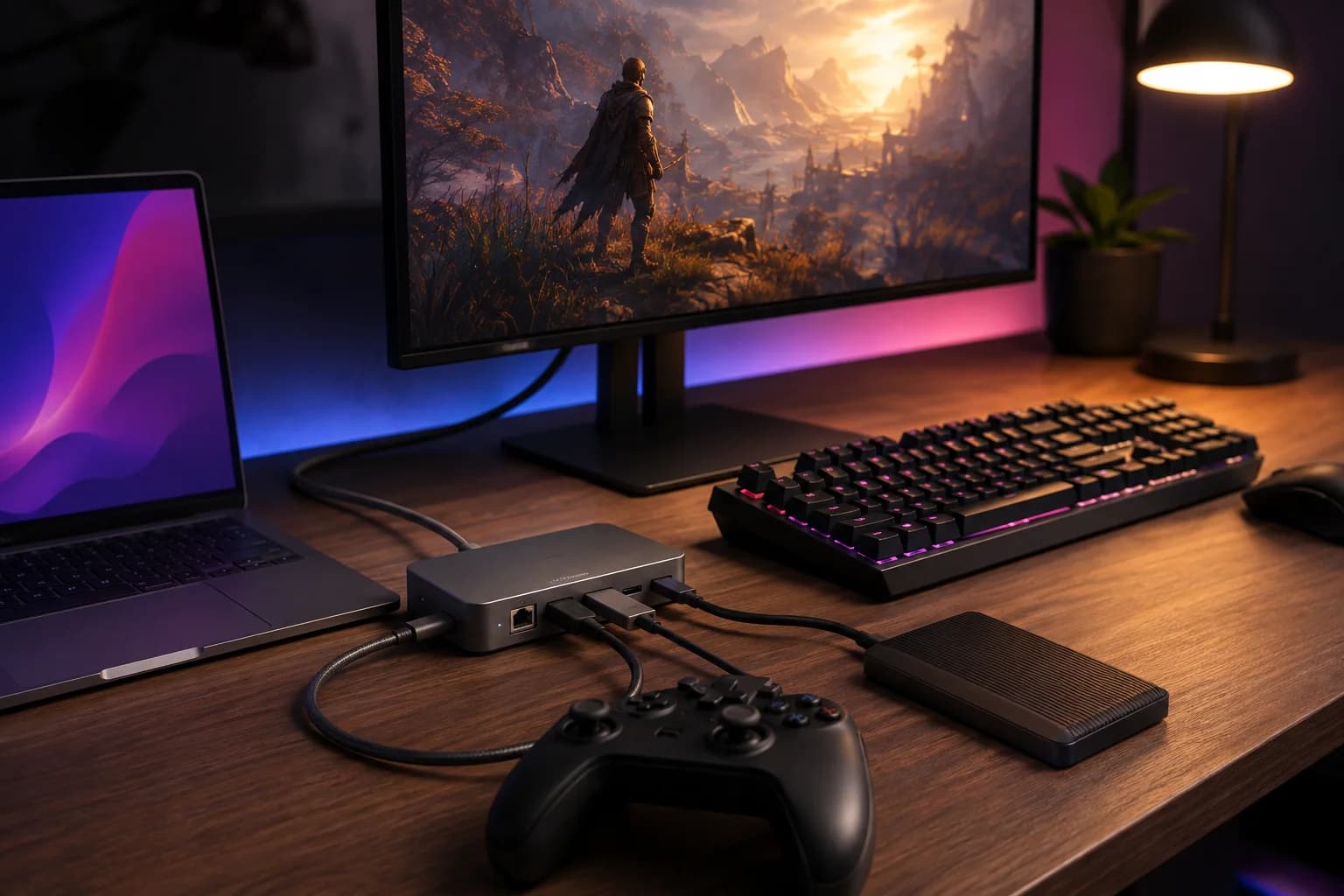
A dock can turn one cable into display, network, storage and peripherals; a powered hub prevents high-draw accessories from fighting over limited power. Match the dock to the bandwidth you need, especially for high-refresh monitors. Do not pay for a forest of ports you will never use, and never assume every USB-C port supports video.

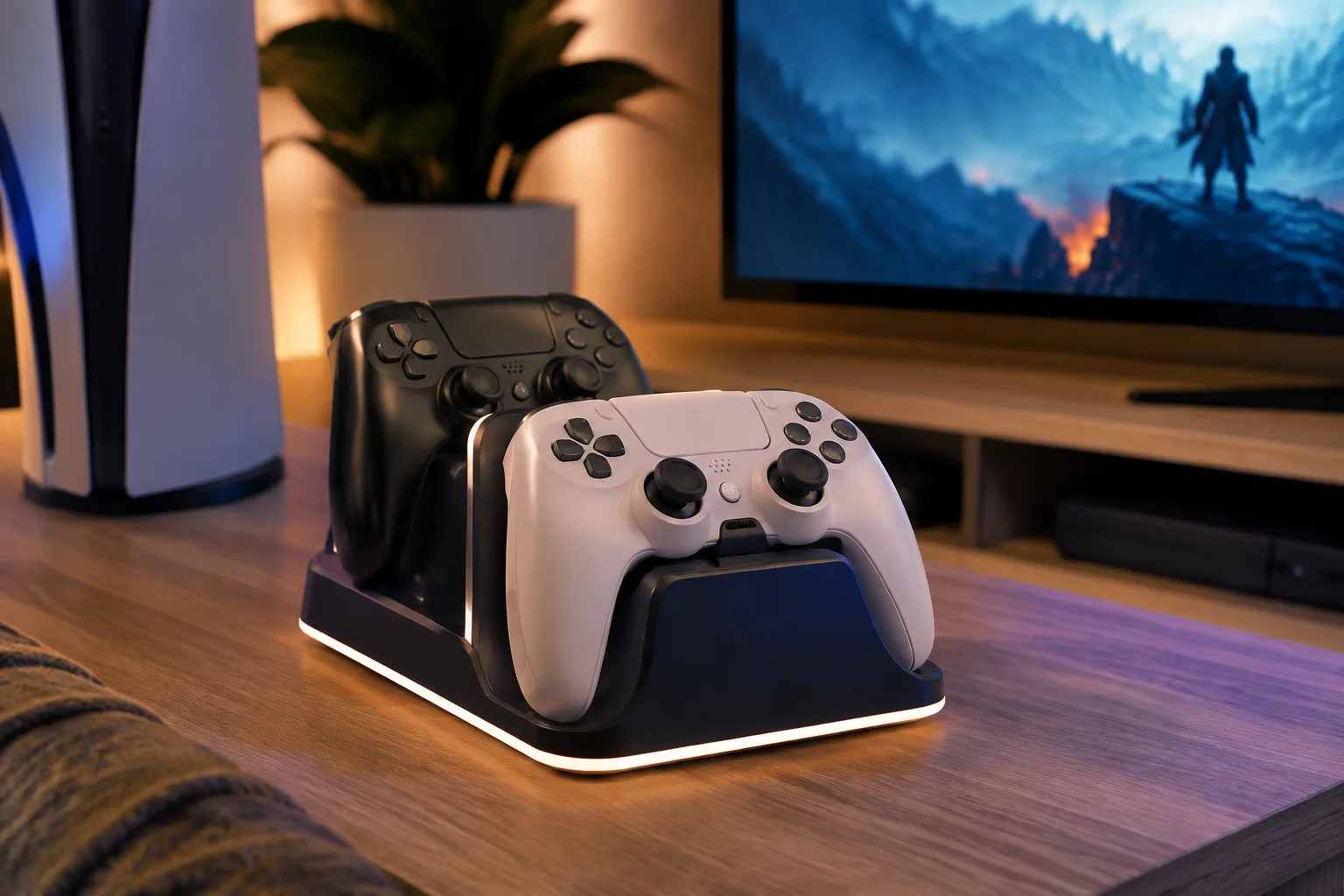
This is a small luxury that removes a recurring annoyance. A good dock gives the controller a home, makes charge state obvious and eliminates disposable-battery churn. Choose one designed for your exact controller revision; third-party battery doors and cases often affect fit.

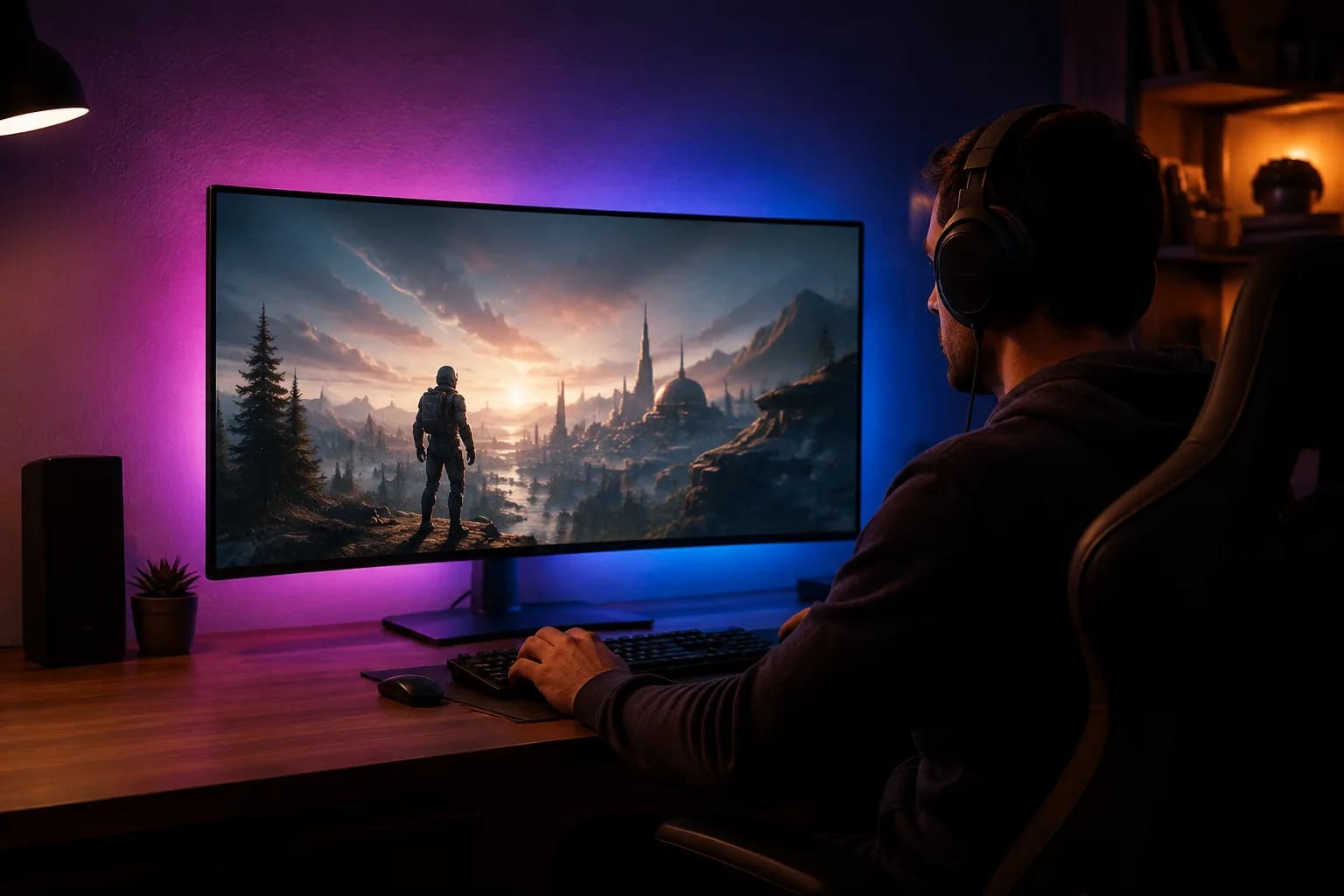
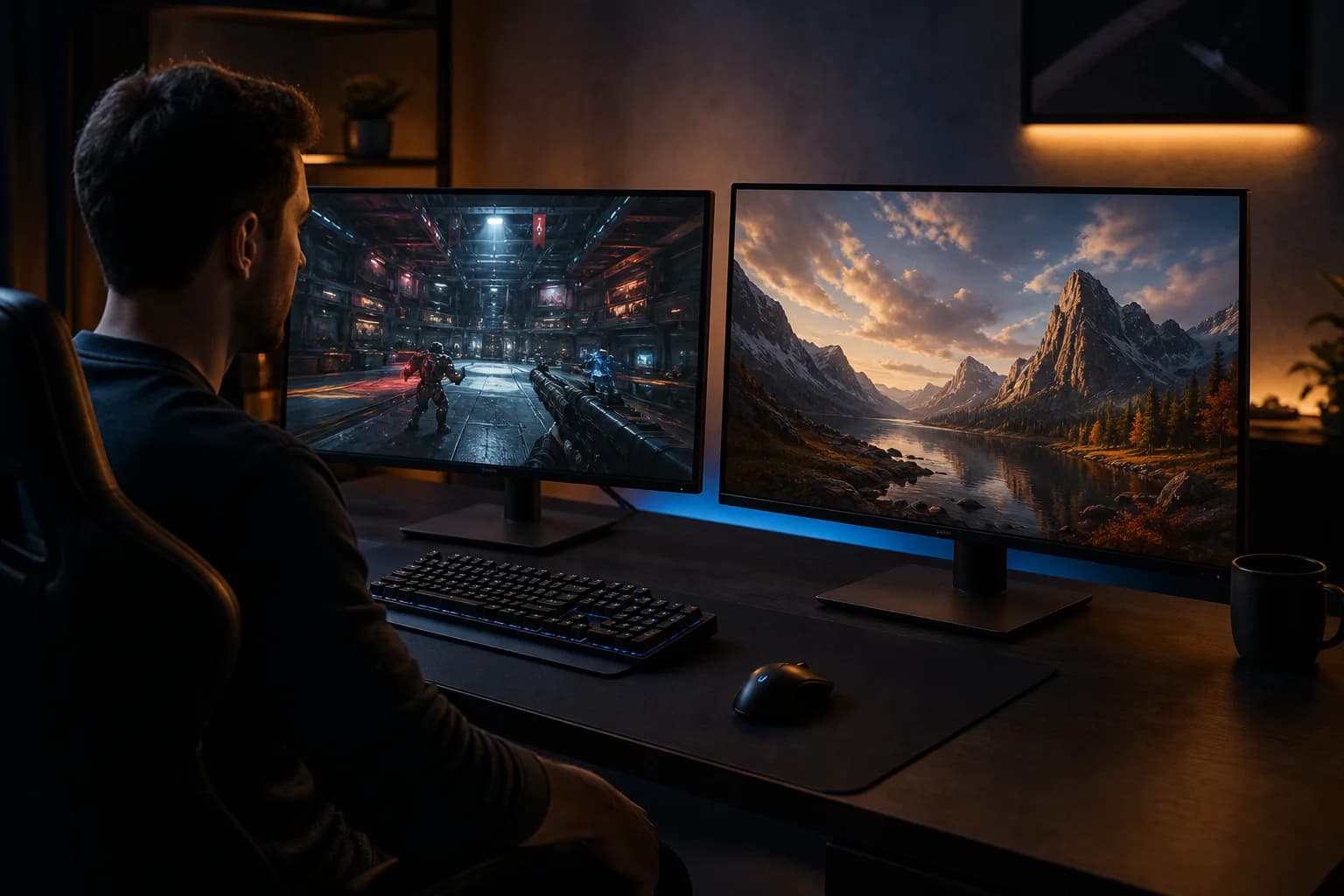
A soft, neutral light behind the screen reduces the contrast between a bright panel and a dark wall. That can make long sessions more comfortable without turning the setup into a nightclub. Favor dimmable, high-quality white light; reactive rainbow kits are entertainment, not an ergonomic requirement.

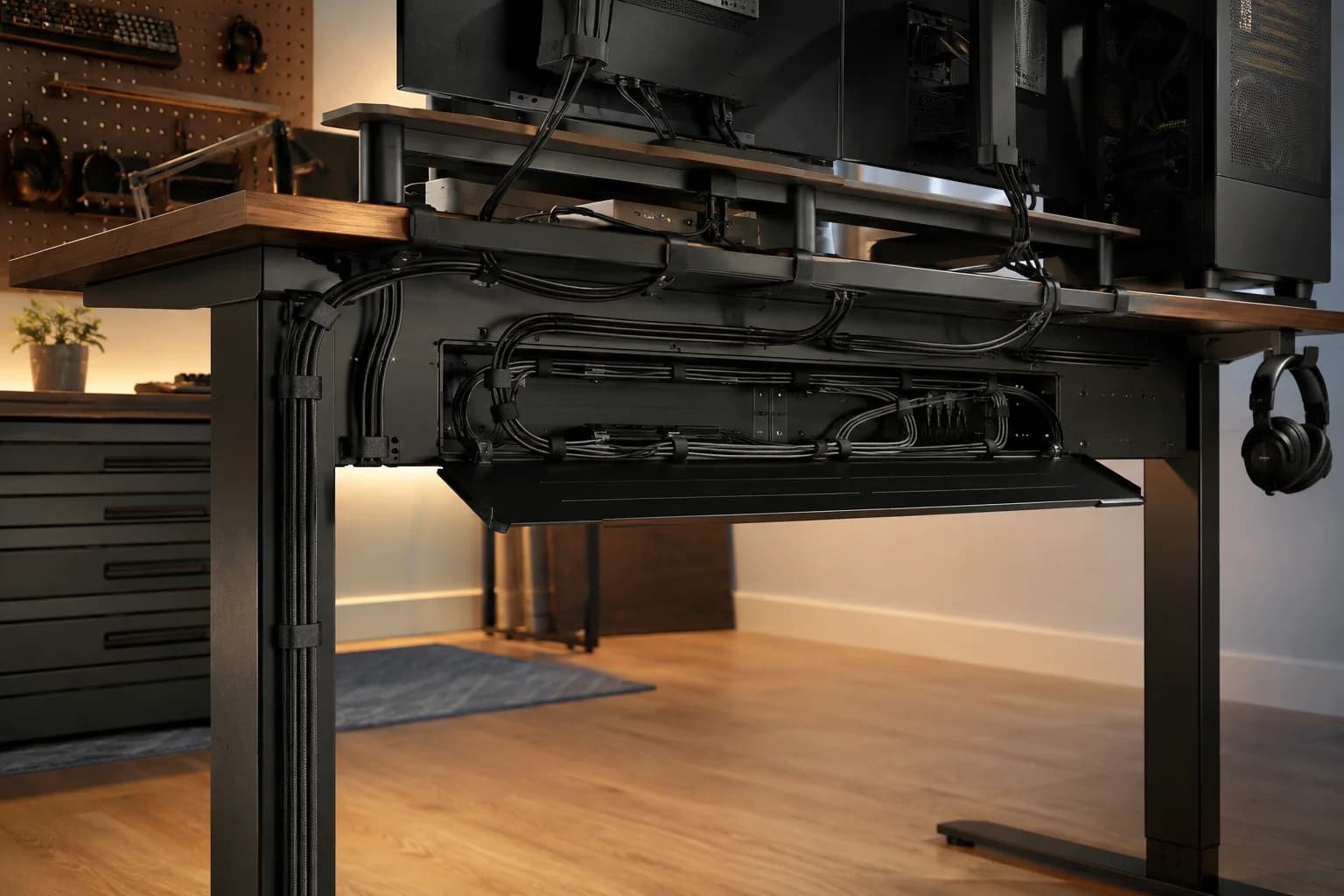
An under-desk tray, reusable hook-and-loop ties and a mounted power strip beat a bag of permanent zip ties. The goal is serviceability: one clean path for power, another for signal, and enough slack to move equipment safely. It is not glamorous, but it makes every future upgrade easier.

Clear voice audio improves every session more than studio-grade specs nobody hears. Start with positioning: a modest mic close to your mouth usually beats an expensive mic across the room. Add a boom arm only if it gets the capsule into the right place without blocking the screen.

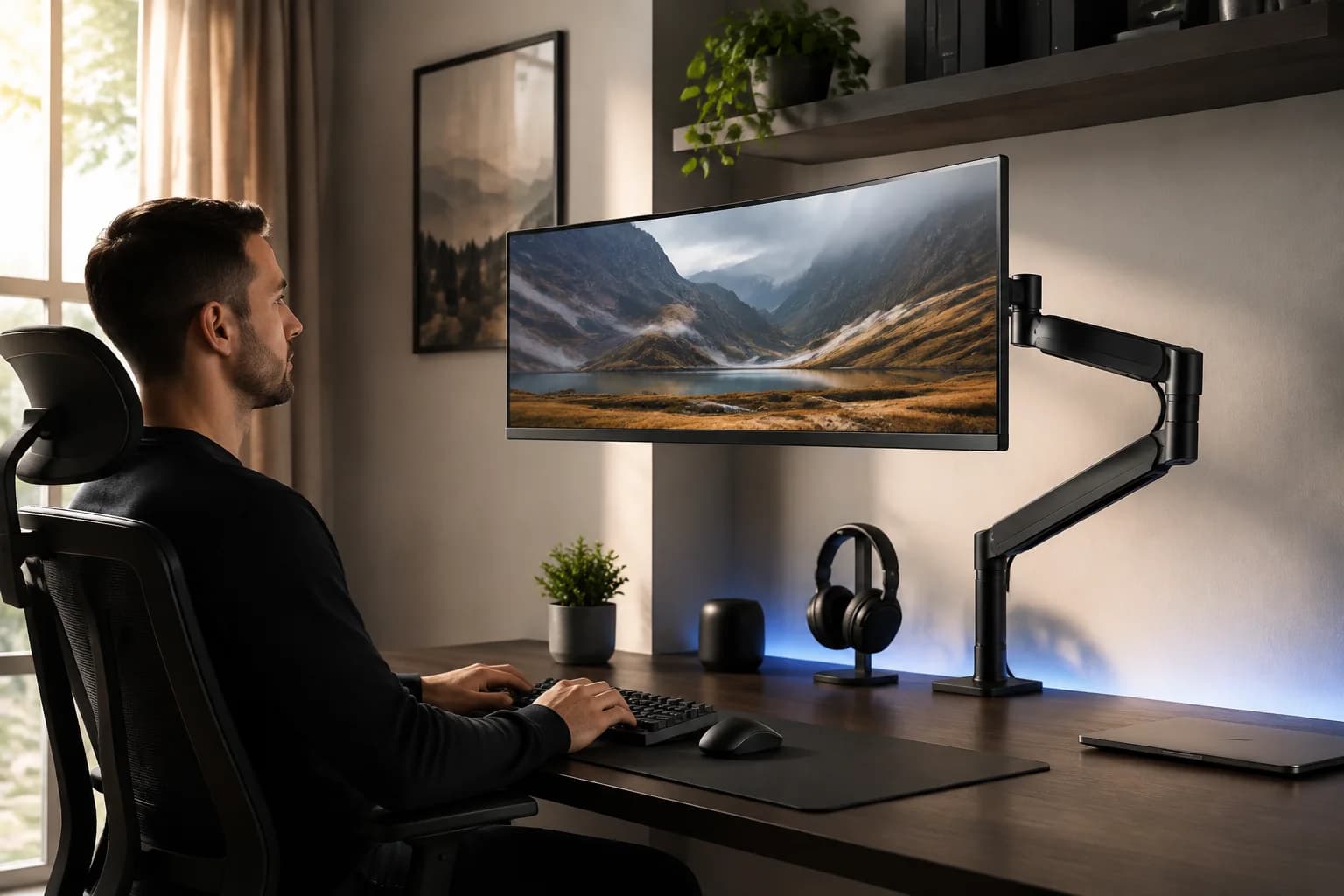
A monitor arm buys back space and makes proper height and distance easy. Confirm the display’s VESA pattern, weight and desk-clamp clearance before ordering. Heavy ultrawides need a genuinely rated arm; optimism is not a load-bearing material.

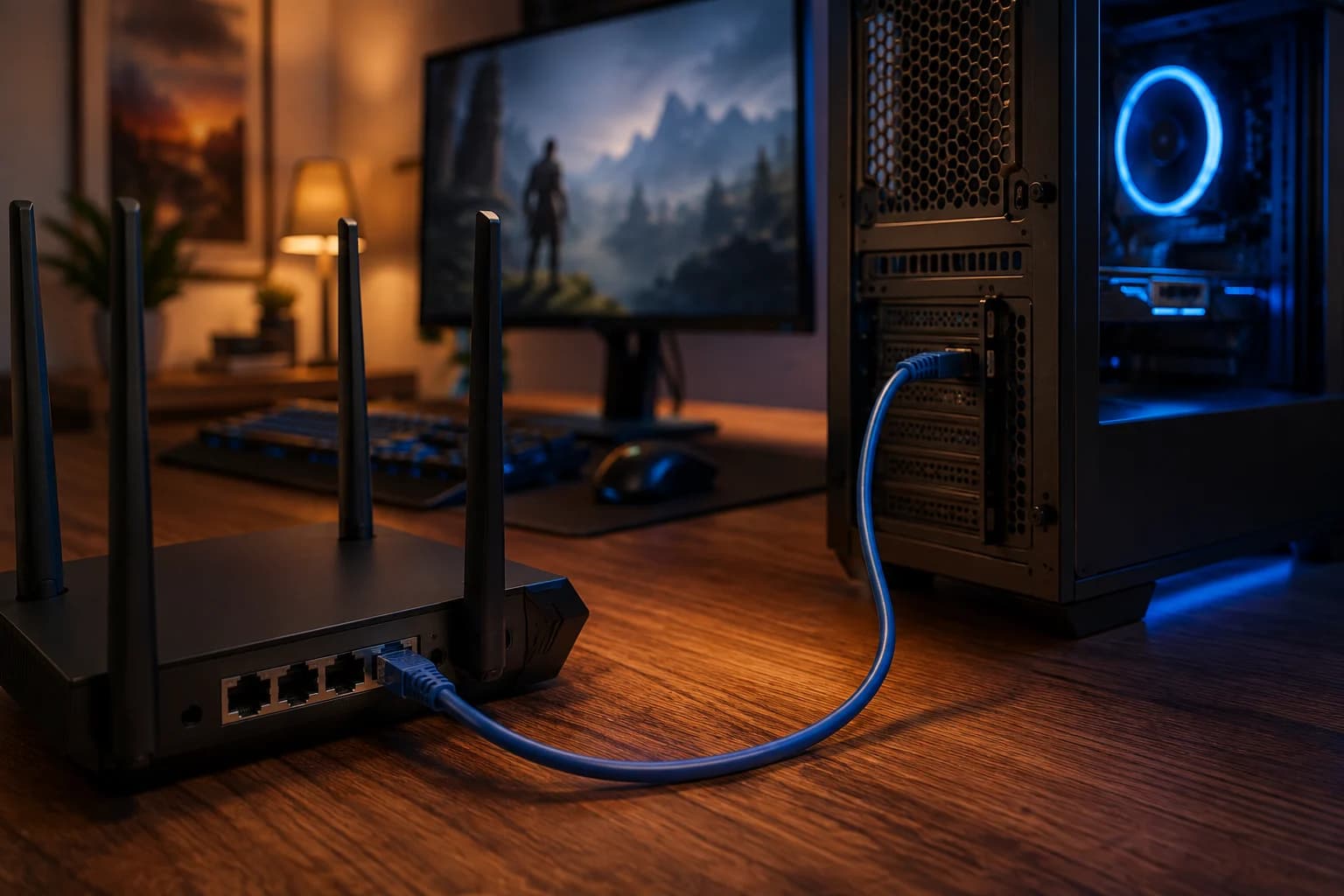
Raw internet speed is only part of the story. A direct Ethernet run is the simplest stability upgrade; a well-placed Wi-Fi 6E/7 mesh can help homes where cable is impossible. Measure first, then fix coverage, interference or router load. A “gaming” label cannot repair a bad route to the server.

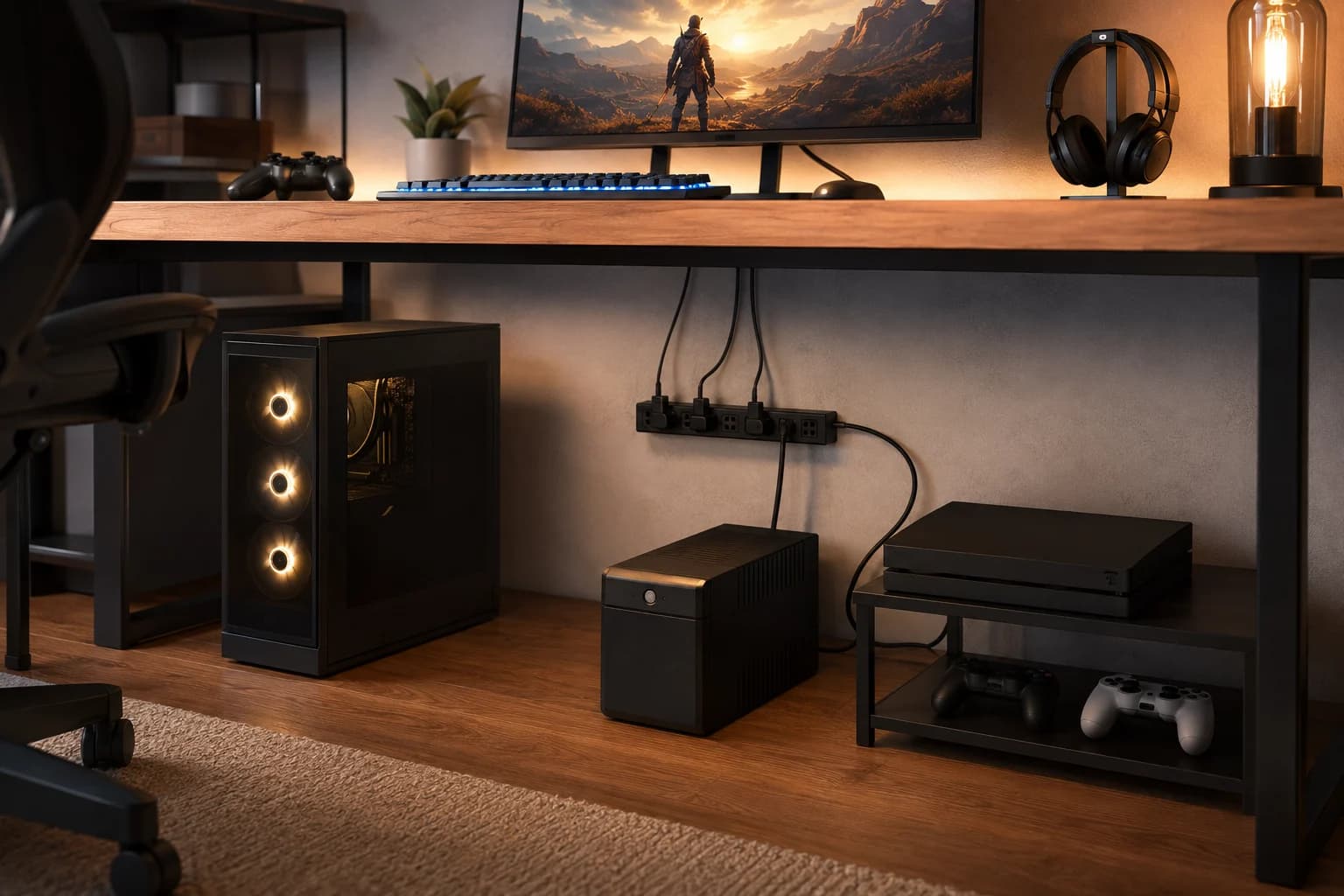
This purchase is invisible until the day it matters. A UPS adds enough battery time to save work and shut down safely during an outage; a quality surge protector helps protect connected gear from spikes. Check capacity, outlet layout and battery replacement cost. It will not improve frame rate, but it may save the machine that produces it.

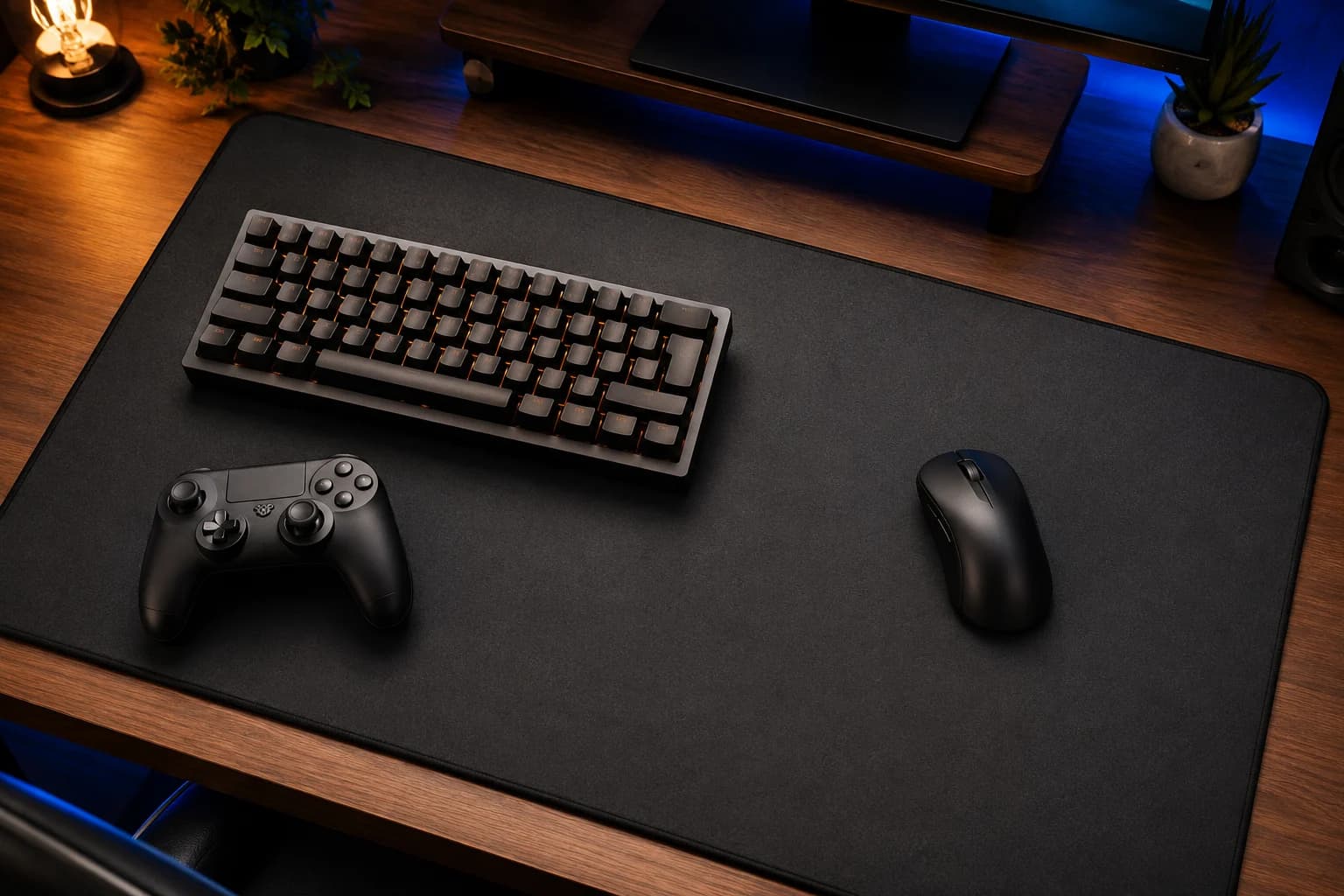
A reliable surface makes low-sensitivity aiming predictable and protects the desk without demanding much money. Choose stitched edges, a washable surface and enough depth for the keyboard plus a full mouse sweep. Competitive players may prefer a dedicated pad with known glide; everyone else can enjoy the comfort and quiet.

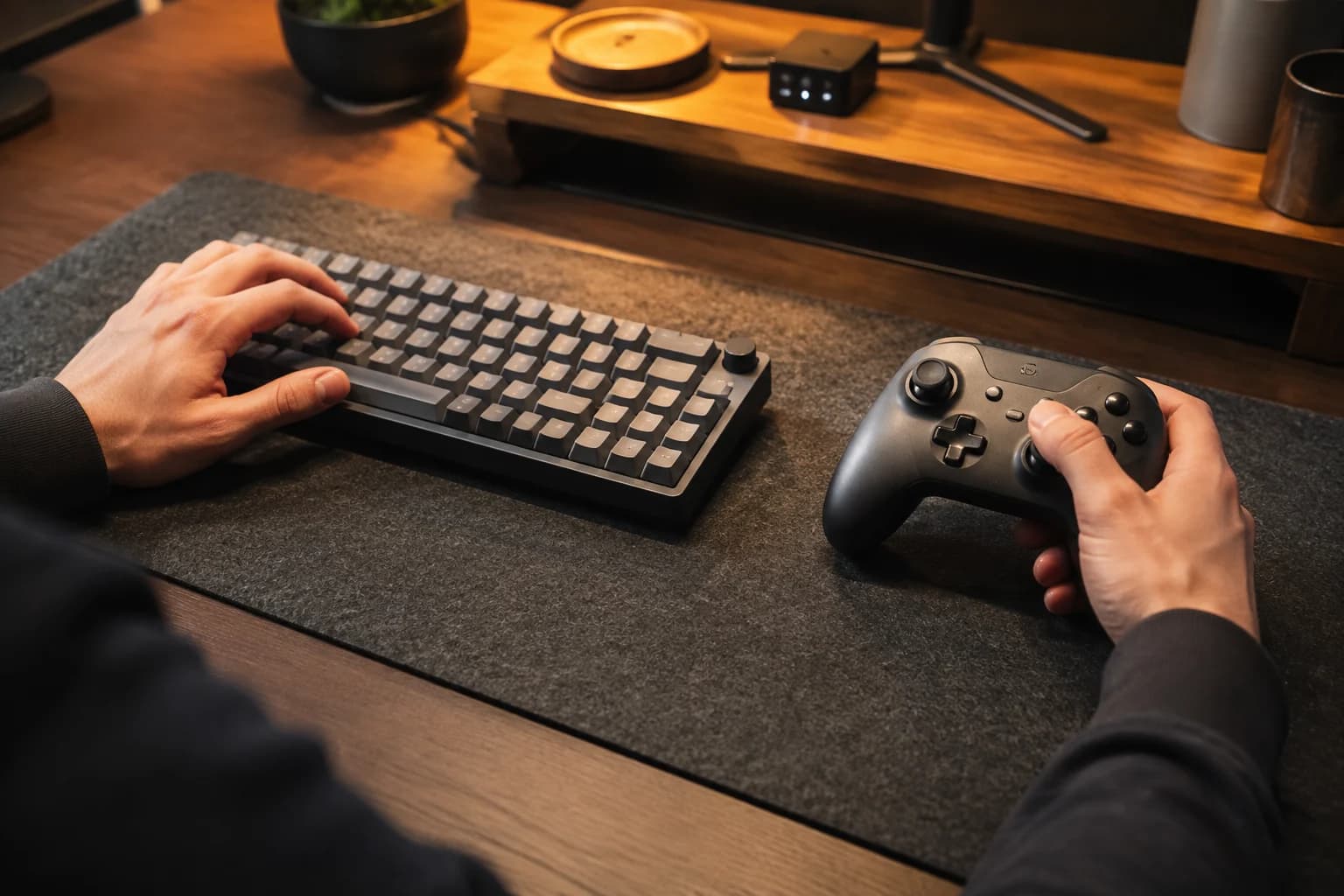
Input devices are personal tools, not spec-sheet trophies. Keyboard size, switch weight, controller shape, back buttons and accessibility options matter more than cosmetic features. Try before buying when possible. The upgrade is worthwhile when it reduces effort or adds a control you use - not because a pro player’s desk has one.

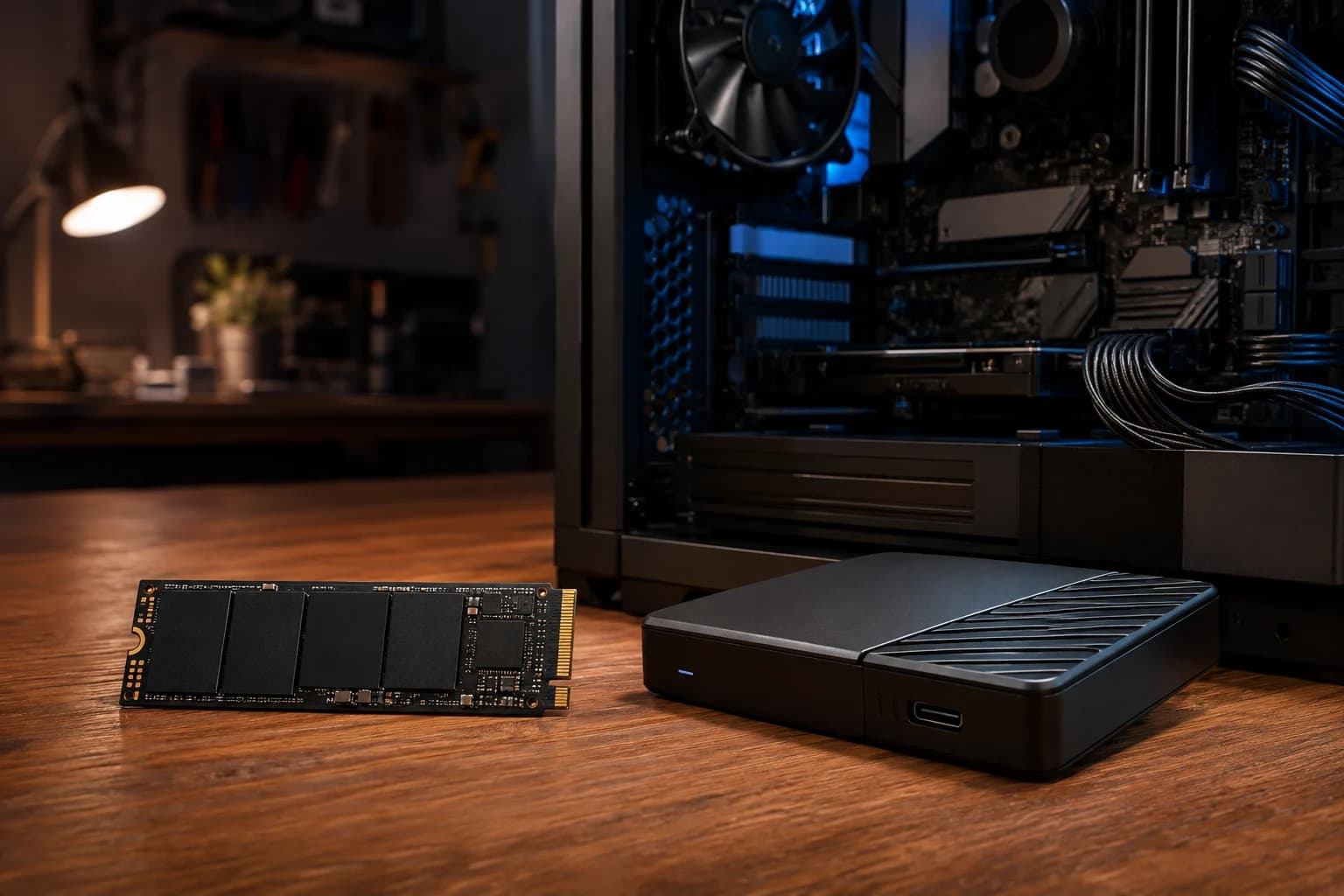
Modern libraries are enormous, and a storage upgrade can turn weekly file management back into gaming. For PS5, use a compatible M.2 NVMe drive with the required performance and heatsink setup. Xbox Series consoles require supported expansion storage for playing optimized titles directly. PC buyers should match the drive to the motherboard slot instead of paying for speed the system cannot use.

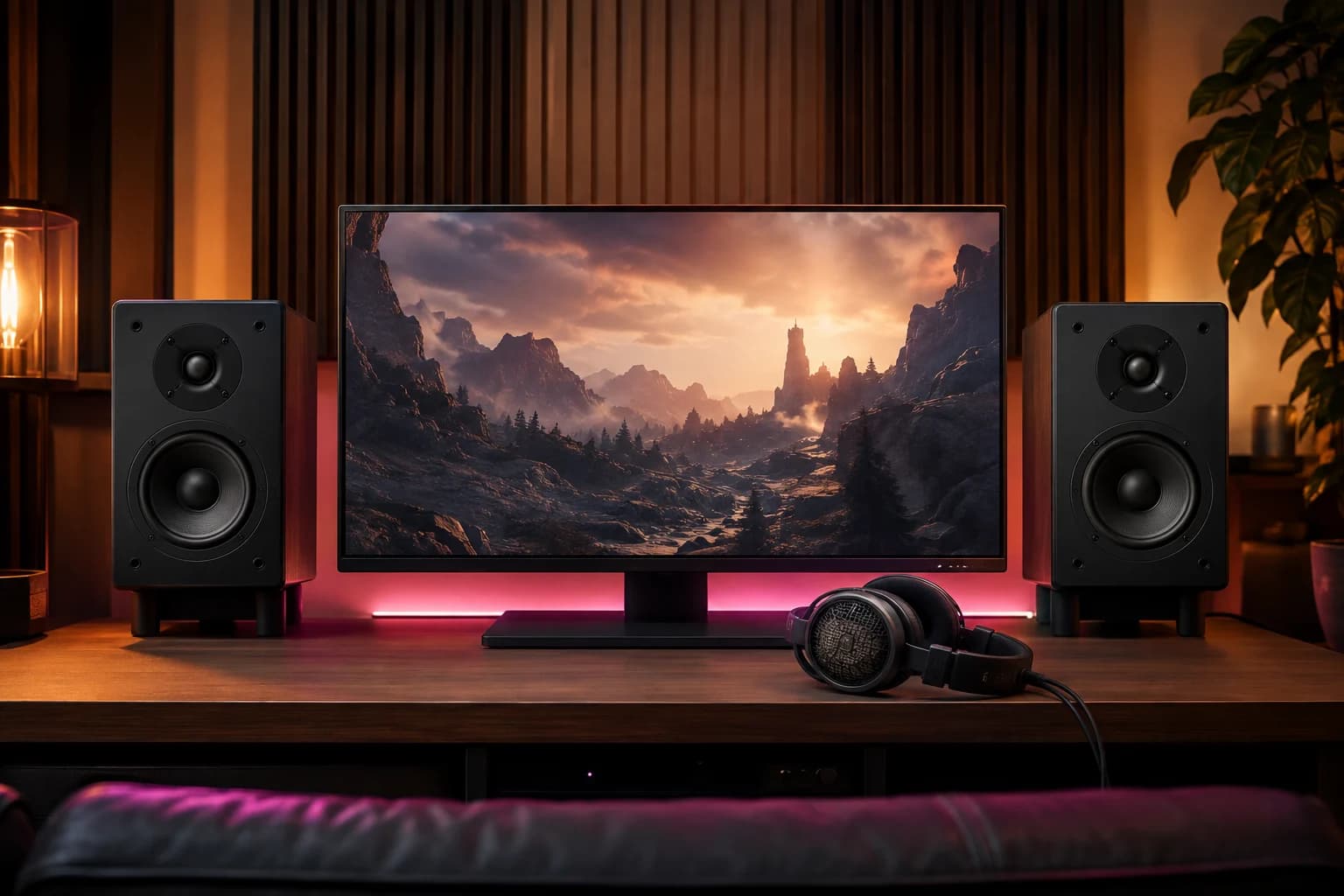
Good imaging helps place footsteps, engines and voices; comfort keeps you listening. A neutral pair of headphones plus a decent mic can outperform a feature-heavy gaming headset, while speakers make solitary play less isolating. Choose for your room and household. Virtual surround is optional; clear drivers and a secure fit are not.

The logo on a chair is irrelevant. Look for adjustable seat height, useful lumbar support, a seat pan that fits and armrests that let the shoulders relax. Then set the desk around the body: feet supported, elbows comfortable, display near eye level. A less expensive office chair that fits beats a racing throne that does not.

The right display changes every game. Competitive players benefit from high refresh and low latency; cinematic players may value OLED contrast and strong HDR; desk users need the correct size and pixel density. For consoles, verify HDMI features such as 4K/120, VRR and bandwidth. For PC, balance resolution against the GPU. Do not buy “future-proof”; buy a screen your system can use now.

The most valuable upgrade may be a $20 footrest, prescription-friendly headset cushions, a vertical mouse, a larger controller, a lapboard or an accessibility adapter. Audit a normal session: where do you lean, squint, stretch or stop? Solve that first. A setup should serve the person inside it. Everything else - lights, glass cases and collectible keyboards - is decoration until comfort is handled.
# 15 Gaming Setup Upgrades That Are Actually Worth Your Money
Fix the bottleneck you feel after three hours: comfort first, then display, controls, storage, audio, power, or organization that improves every session.
Gamer-Z Paradise may earn a commission from qualifying purchases. Recommendations remain editorially independent.

A dock can turn one cable into display, network, storage and peripherals; a powered hub prevents high-draw accessories from fighting over limited power. Match the dock to the bandwidth you need, especially for high-refresh monitors. Do not pay for a forest of ports you will never use, and never assume every USB-C port supports video.

This is a small luxury that removes a recurring annoyance. A good dock gives the controller a home, makes charge state obvious and eliminates disposable-battery churn. Choose one designed for your exact controller revision; third-party battery doors and cases often affect fit.

A soft, neutral light behind the screen reduces the contrast between a bright panel and a dark wall. That can make long sessions more comfortable without turning the setup into a nightclub. Favor dimmable, high-quality white light; reactive rainbow kits are entertainment, not an ergonomic requirement.

An under-desk tray, reusable hook-and-loop ties and a mounted power strip beat a bag of permanent zip ties. The goal is serviceability: one clean path for power, another for signal, and enough slack to move equipment safely. It is not glamorous, but it makes every future upgrade easier.

Clear voice audio improves every session more than studio-grade specs nobody hears. Start with positioning: a modest mic close to your mouth usually beats an expensive mic across the room. Add a boom arm only if it gets the capsule into the right place without blocking the screen.

A monitor arm buys back space and makes proper height and distance easy. Confirm the display’s VESA pattern, weight and desk-clamp clearance before ordering. Heavy ultrawides need a genuinely rated arm; optimism is not a load-bearing material.

Raw internet speed is only part of the story. A direct Ethernet run is the simplest stability upgrade; a well-placed Wi-Fi 6E/7 mesh can help homes where cable is impossible. Measure first, then fix coverage, interference or router load. A “gaming” label cannot repair a bad route to the server.

This purchase is invisible until the day it matters. A UPS adds enough battery time to save work and shut down safely during an outage; a quality surge protector helps protect connected gear from spikes. Check capacity, outlet layout and battery replacement cost. It will not improve frame rate, but it may save the machine that produces it.

A reliable surface makes low-sensitivity aiming predictable and protects the desk without demanding much money. Choose stitched edges, a washable surface and enough depth for the keyboard plus a full mouse sweep. Competitive players may prefer a dedicated pad with known glide; everyone else can enjoy the comfort and quiet.

Input devices are personal tools, not spec-sheet trophies. Keyboard size, switch weight, controller shape, back buttons and accessibility options matter more than cosmetic features. Try before buying when possible. The upgrade is worthwhile when it reduces effort or adds a control you use - not because a pro player’s desk has one.

Modern libraries are enormous, and a storage upgrade can turn weekly file management back into gaming. For PS5, use a compatible M.2 NVMe drive with the required performance and heatsink setup. Xbox Series consoles require supported expansion storage for playing optimized titles directly. PC buyers should match the drive to the motherboard slot instead of paying for speed the system cannot use.

Good imaging helps place footsteps, engines and voices; comfort keeps you listening. A neutral pair of headphones plus a decent mic can outperform a feature-heavy gaming headset, while speakers make solitary play less isolating. Choose for your room and household. Virtual surround is optional; clear drivers and a secure fit are not.

The logo on a chair is irrelevant. Look for adjustable seat height, useful lumbar support, a seat pan that fits and armrests that let the shoulders relax. Then set the desk around the body: feet supported, elbows comfortable, display near eye level. A less expensive office chair that fits beats a racing throne that does not.

The right display changes every game. Competitive players benefit from high refresh and low latency; cinematic players may value OLED contrast and strong HDR; desk users need the correct size and pixel density. For consoles, verify HDMI features such as 4K/120, VRR and bandwidth. For PC, balance resolution against the GPU. Do not buy “future-proof”; buy a screen your system can use now.

The most valuable upgrade may be a $20 footrest, prescription-friendly headset cushions, a vertical mouse, a larger controller, a lapboard or an accessibility adapter. Audit a normal session: where do you lean, squint, stretch or stop? Solve that first. A setup should serve the person inside it. Everything else - lights, glass cases and collectible keyboards - is decoration until comfort is handled.
Gamer-Z-Paradise may earn a commission from qualifying purchases.
AmazonView Anker 8 In 1 Usb C Hub on AmazonAmazon option for A Powered USB Hub or Quality Dock. Confirm compatibility, edition, seller, price, and availability before ordering.
AmazonView Powera Dualsense Twin Charging Station on AmazonAmazon option for A Controller Charging Dock. Confirm compatibility, edition, seller, price, and availability before ordering.
AmazonView Velcro One Wrap Cable Ties 100 Pack on AmazonAmazon option for Cable Management That You Can Reopen. Confirm compatibility, edition, seller, price, and availability before ordering.

Amazon option for A Real Microphone or Better Boom Mic. Confirm compatibility, edition, seller, price, and availability before ordering.
AmazonView Ergotron Lx Pro Monitor Arm on AmazonAmazon option for An Adjustable Monitor Arm. Confirm compatibility, edition, seller, price, and availability before ordering.
AmazonView Cable Matters Cat6 Ethernet 25ft on AmazonAmazon option for Better Network Hardware - or Just Ethernet. Confirm compatibility, edition, seller, price, and availability before ordering.
AmazonView Apc Be600m1 Ups on AmazonAmazon option for A Surge Protector or UPS. Confirm compatibility, edition, seller, price, and availability before ordering.
AmazonView Steelseries Qck Xxl Desk Mat on AmazonAmazon option for A Large, Consistent Desk Mat. Confirm compatibility, edition, seller, price, and availability before ordering.
AmazonView Xbox Elite Series 2 Core Controller on AmazonAmazon option for A Keyboard or Controller That Fits Your Hands. Confirm compatibility, edition, seller, price, and availability before ordering.
AmazonView Wd Black Sn850x 2tb Heatsink on AmazonAmazon option for Fast, Correctly Supported Storage. Confirm compatibility, edition, seller, price, and availability before ordering.
AmazonView Steelcase Series 1 Chair on AmazonAmazon option for An Ergonomic Chair and Better Desk Geometry. Confirm compatibility, edition, seller, price, and availability before ordering.
AmazonView Lg 27gs93qe Oled Gaming Monitor on AmazonAmazon option for A Display That Matches What You Play. Confirm compatibility, edition, seller, price, and availability before ordering.
AmazonView Govee G1 on AmazonSized for supported 27- to 34-inch monitors. Measure the display and verify compatibility, seller, final price, and availability.
AmazonView Arctis Nova 7X on AmazonA multi-platform wireless option for players who want stronger positional imaging. Verify connection support, seller, final price, and availability.
AmazonView ErgoFoam footrest on AmazonA footrest can help when desk height leaves your feet unsupported. Check the dimensions and materials against your setup before purchasing.